Wonderswan
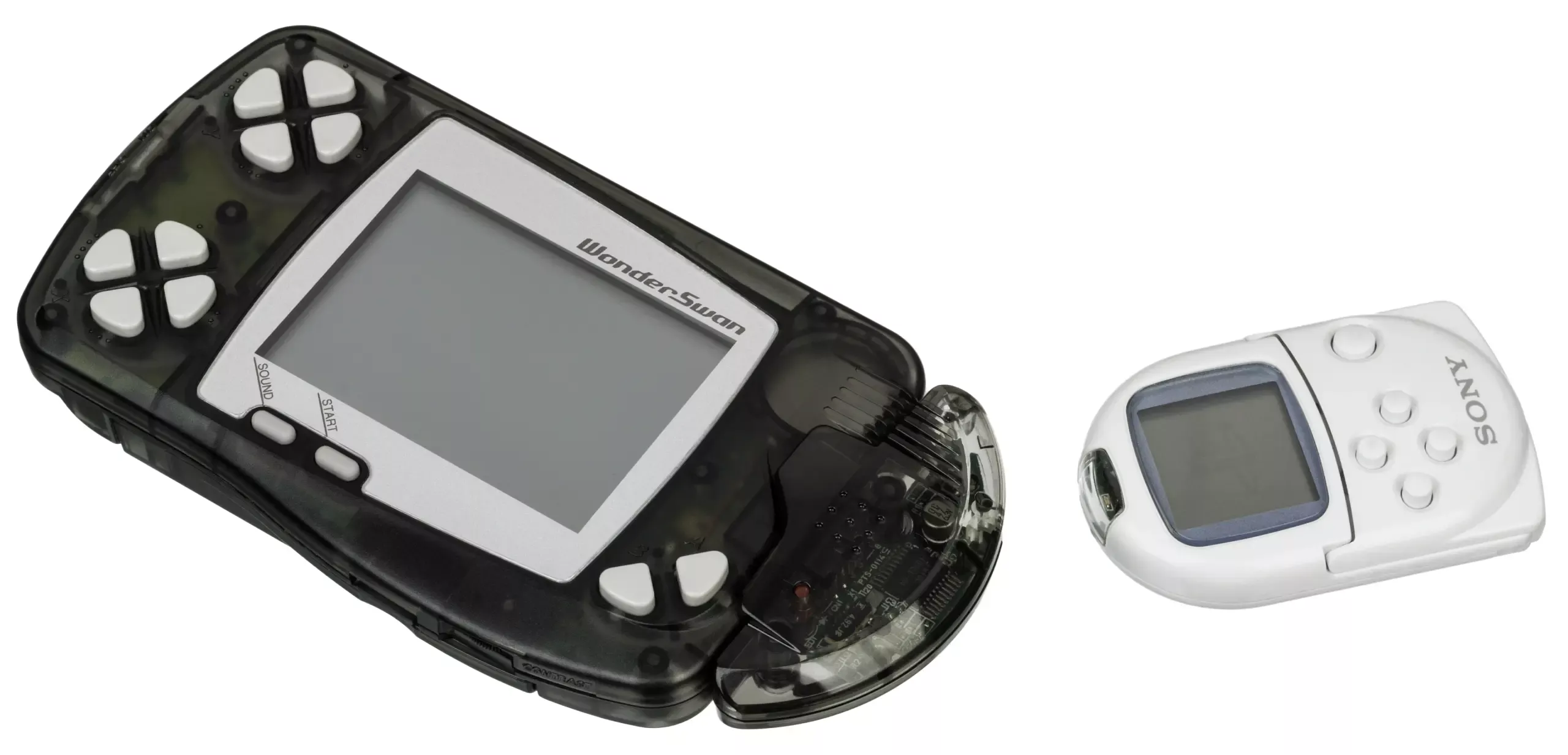
Bandai WonderSwan
The final hardware masterpiece from Game Boy creator Gunpei Yokoi. Released exclusively in Japan in 1999 (and followed by the Color and Crystal models), the WonderSwan challenged Nintendo with its unique design that allowed games to be played horizontally or vertically. With Rec0m88, you can play retro games from this obscure, RPG-heavy handheld library fully translated and enhanced directly on your desktop.
A Hidden JRPG Treasure Trove
Due to its Japan-only release, the WonderSwan is heavily skewed toward JRPGs, anime tie-ins, and complex puzzle games. Thanks to modern translation patches, Western gamers can finally experience this lost library.
SquareSoft’s Savior
Before the GBA, Square supported the WonderSwan with incredible remasters of Final Fantasy I, II, and IV. The system also hosted exclusive spin-offs like Chocobo’s Dungeon. Bandai provided heavy hitters with vast Digimon and Gundam titles, while original games like Gunpey became system sellers.
Vertical Excellence
The console’s ability to be played vertically made it a haven for shoot ’em ups and arcade ports. Games like Judgement Silversword and the port of Makaimura (Ghosts ‘n Goblins) took full advantage of the elongated screen, offering an arcade-accurate aspect ratio in your pocket.
Most Popular WonderSwan Games
How to Play WonderSwan Games on Rec0m88
Discovering this Japan-exclusive library is incredibly easy on modern hardware.
Download the free desktop app. It comes pre-configured with the Beetle Cygne core to run WonderSwan natively.
Because most games are in Japanese, we recommend finding `.ips` translation patches for RPGs to apply to your `.ws` or `.wsc` files before playing.
Drag your game into the emulator. If the game requires vertical orientation, open the video settings and rotate the display 90 degrees.
The WonderSwan has specific X1-X4 and Y1-Y4 directional buttons. Map these to your modern controller’s D-Pad and right analog stick for the best experience.
WonderSwan Emulation FAQ
What is the difference between .ws and .wsc?
Files ending in `.ws` are original monochrome WonderSwan games. Files ending in `.wsc` are WonderSwan Color games. Rec0m88 plays both flawlessly. Some `.ws` games even have colorized palettes when loaded on the WSC setting.
How do I play vertical games?
If a game looks sideways when you boot it up, it means it was meant to be played vertically. Go to the Rec0m88 video options and look for the “Screen Rotation” setting. Rotate it 90 degrees. You may also want to remap your D-pad so “Up” aligns with your new screen orientation.
Are there English versions of these games?
Officially, very few. However, the retro community has created incredible fan translations (ROM patches) for almost all the major JRPGs and puzzle games on the system. You will need to patch your original Japanese ROM with these translation files before playing.
Do I need a BIOS?
No BIOS is required. The emulator utilizes High-Level Emulation to bypass the boot sequence, allowing you to get straight into the games without tracking down system files.
Ready to play? Download Rec0m88 free and explore Japan’s finest handheld today.