NES (Nintendo Entertainment System)
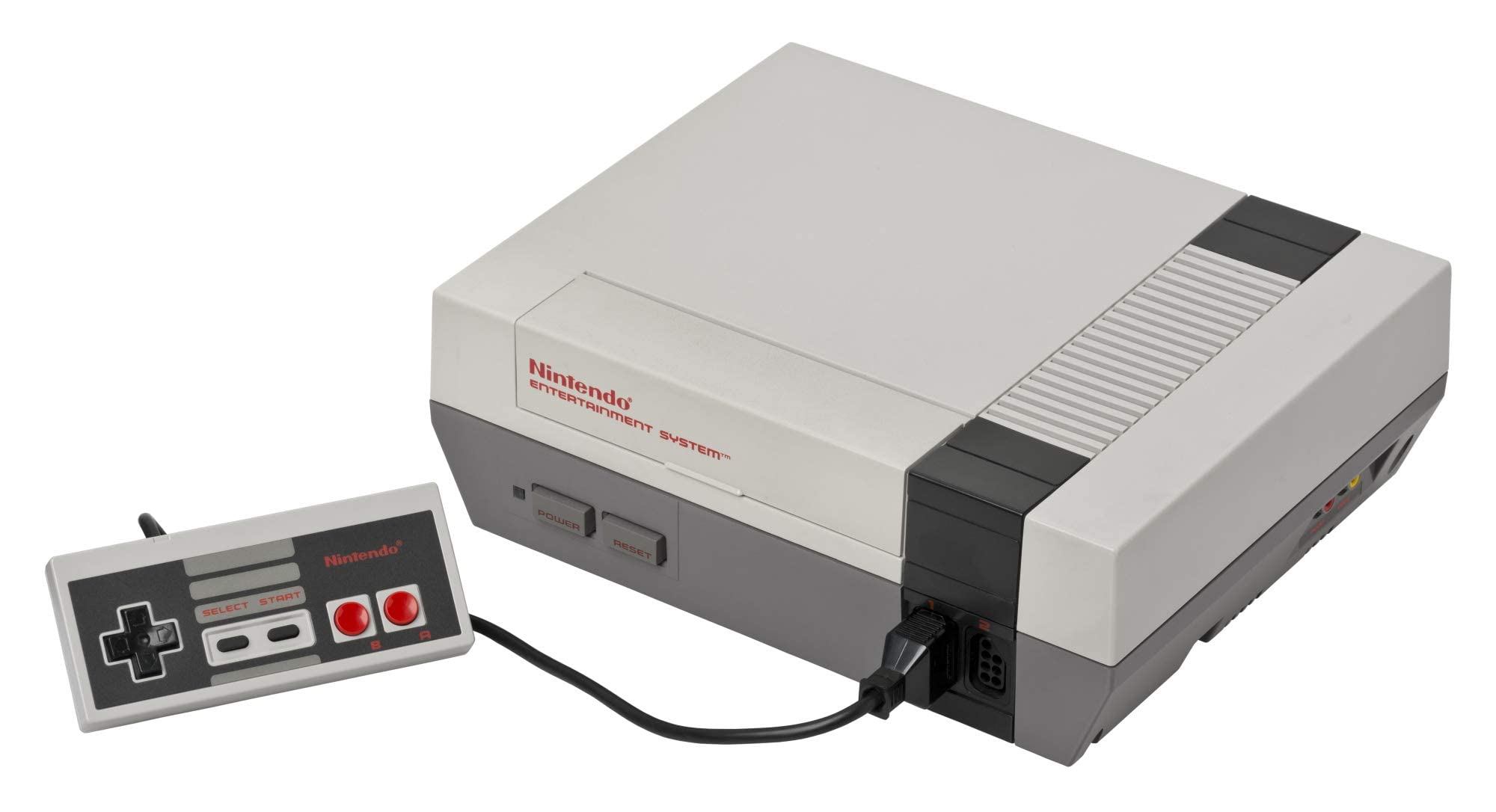
Nintendo Entertainment System (NES)
The console that revived an industry. Explore the 8-bit architecture, legendary library, and technical nuances of the NES. With Rec0m88, you can play retro games from the NES era with cycle-accurate emulation, CRT shader support, and seamless P2P netplay. No configuration. No latency. Just pure 8-bit nostalgia.
Iconic Titles & Netplay Revolution
The NES library established genres that dominate gaming today. From tough-as-nails platformers to the dawn of console RPGs, it laid the foundation for modern interactive entertainment.
The Definitive 8-Bit Library
Platformers reached new heights with Super Mario Bros. and Super Mario Bros. 3, while The Legend of Zelda and Metroid pioneered non-linear exploration. RPGs found their console footing with Final Fantasy and Dragon Quest, and action shooters like Contra and Mega Man tested the reflexes of a generation. Whether you’re revisiting classics or discovering hidden gems, Rec0m88 ensures every title runs with pixel-perfect accuracy.
World-Class Netplay
Rec0m88 transforms the solitary experience of emulation into a social one. Our WebRTC netplay allows you to play online with friends as if they were sitting next to you. Simply host a room, share the ID, and jump into co-op classics like Contra, Bubble Bobble, or TMNT. Competitive titles like Tetris and Dr. Mario also shine with our low-latency architecture.
Most Popular NES Games
How to Play NES Games on Rec0m88
Rec0m88 offers a streamlined desktop experience for managing and playing your NES collection. Follow these steps to build your library and start gaming instantly.
Grab the free desktop client. It’s a lightweight GUI frontend that integrates EmulatorJS cores for instant emulation without browser overhead.
Use the free Game Library Organizer to scan your ROM folder. It fetches box art and metadata, exporting a clean Rec0m88 Catalog file.
Import your exported Catalog, or drag-and-drop individual files directly into the app window to launch instantly.
Map your controller, enable CRT shaders, and use the Netplay menu to host rooms and play multiplayer classics together.
NES Emulation FAQ
Do I need a BIOS file to play NES games?
No. Standard NES cartridge games do not require a BIOS file. However, if you want to play Famicom Disk System (FDS) titles, you must place a disksys.rom file in your BIOS directory. Rec0m88 will automatically detect it.
Why does a specific game have graphical glitches?
Some obscure titles use rare mapper chips that may behave differently across cores. If you encounter issues, try switching the emulation core in the settings. Nestopia offers higher accuracy for tricky mappers, while fceumm provides broader compatibility.
Can I play NES games online with friends?
Yes. Rec0m88 features built-in P2P rollback netplay. You can host a room and share the Room ID with a friend. Both players need the same ROM file. The connection is direct and low-latency, perfect for co-op and versus play.
What file formats are supported?
Rec0m88 supports .nes, .unif, .unf, and .fds formats. You can also load games compressed in .zip or .7z archives; the emulator will extract them automatically. Ensure your ROMs have correct headers for best compatibility.
Ready to play? Download Rec0m88 free and experience the 8-bit library in pixel-perfect accuracy today.