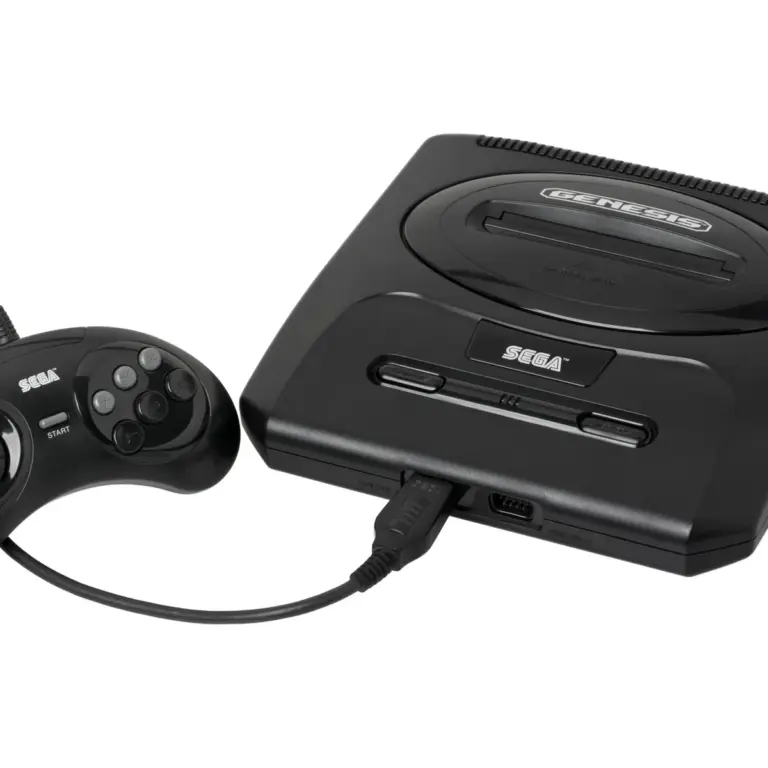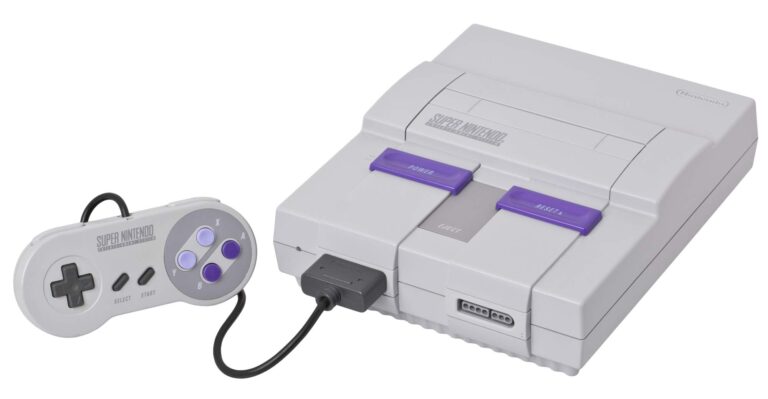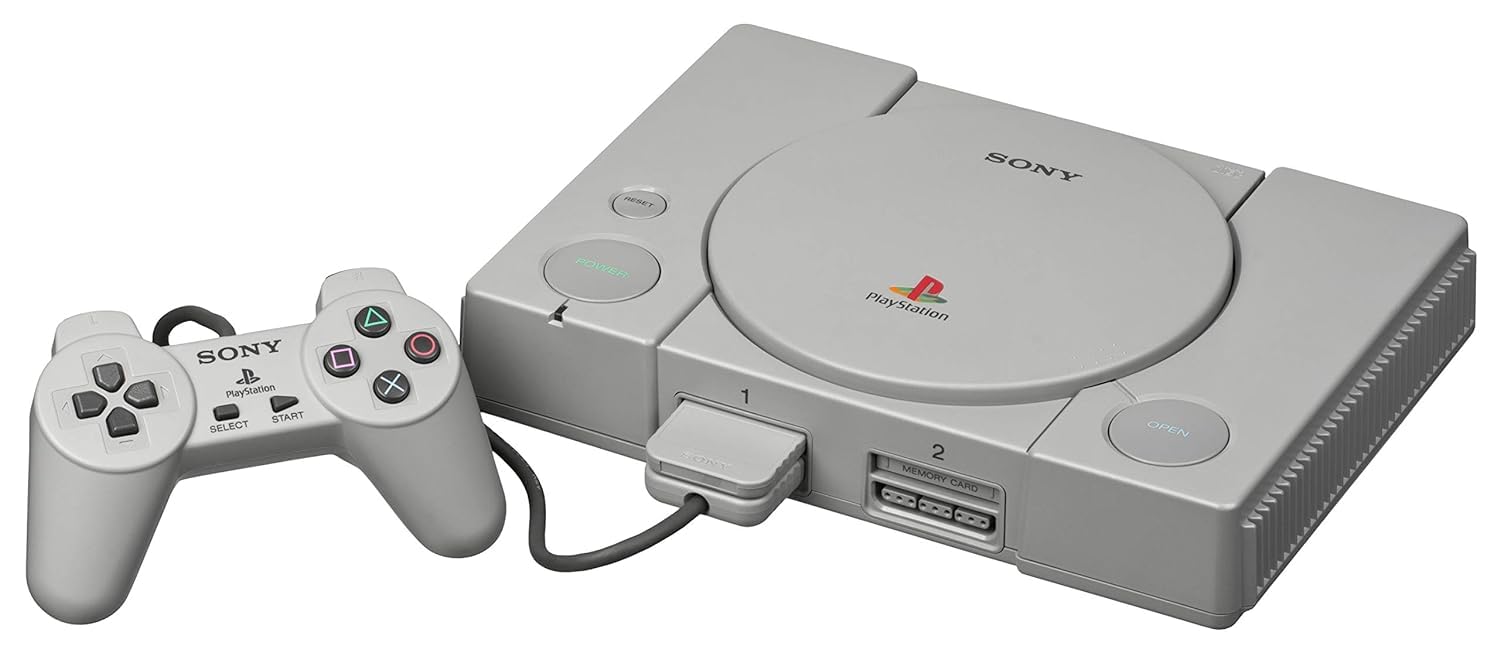
PSX (PlayStation 1)
Sony PlayStation (PS1)
The console that brought cinematic 3D gaming to the mainstream. Released in 1994, the original PlayStation (PS1 / PSX) dominated the 32-bit era with its CD-ROM format, sweeping orchestral scores, and massive library. With Rec0m88, you can play retro games from the PS1 era natively on your desktop, complete with modern high-resolution upscaling, widescreen hacks, and seamless netplay.
A Generation-Defining Catalog
The PS1 wasn’t just a console; it was a cultural shift. It matured the gaming industry with deep, story-driven narratives, expansive 3D worlds, and fierce competitive fighters.
Cinematic Masterpieces
The console birthed genres. Final Fantasy VII, VIII, and IX revolutionized the JRPG. Metal Gear Solid invented stealth-action, while Resident Evil and Silent Hill defined survival horror. Meanwhile, Castlevania: Symphony of the Night proved that 2D gaming still had massive potential in a 3D world, and Crash Bandicoot became an icon.
Competitive Netplay
With Rec0m88’s integrated WebRTC rollback netplay, you can relive the glory days of couch multiplayer online. Face off in flawless matches of Tekken 3, Street Fighter Alpha 3, or Marvel vs. Capcom. Grab a friend and race in Crash Team Racing or Gran Turismo 2 with absolutely minimal input delay.
Most Popular PS1 Games
How to Play PS1 Games Online with Rec0m88
Disc-based emulation used to be difficult. Rec0m88 simplifies the process of managing heavy CD files, memory cards, and multi-disc swapping.
Before you can play, you must obtain the PS1 BIOS files and place them in your Rec0m88 bios directory. The emulator will not boot games without them.
For the best experience, we highly recommend compressing your messy .cue/.bin files into single .chd files. They save massive amounts of hard drive space and load instantly.
Go into the input settings and map your controller. Ensure the controller type is set to “DualShock” so you can use your analog sticks in supported games.
Open the core options menu to increase the internal resolution to 1080p, enable PGXP geometry correction, and fix texture warping for a stunning HD remaster experience.
PS1 Emulation FAQ
How do I play games with multiple discs (like Final Fantasy VII)?
To handle multi-disc games properly without losing save data, you should create an .m3u playlist file. This is a simple text file containing the filenames of your game’s discs (e.g., Disc 1.chd, Disc 2.chd). Load the .m3u file into Rec0m88, and you can swap discs inside the emulator menu when the game prompts you.
Why do the 3D models wobble and shake when moving?
The original PS1 lacked sub-pixel precision and Z-buffering, causing vertices to “snap” to a grid. In Rec0m88, you can fix this by enabling PGXP Geometry Correction in the core options. This calculates 3D models at modern precision, completely removing the wobble.
My game doesn’t have any background music. Why?
This usually happens if you load a .bin file directly instead of the .cue file. The .cue file tells the emulator where the CD audio tracks are located. Alternatively, compress your game into a .chd format, which perfectly encapsulates the game data and CD audio into one neat file.
How do memory cards work?
Rec0m88 automatically generates virtual memory card files in your save directory. You don’t need to manually manage blocks or formatting. Standard in-game saving works perfectly, though you can also use Emulator Save States for instant resuming.
Ready to play? Download Rec0m88 free and experience the 32-bit PlayStation era in beautiful high-definition.