GBA Console

GBA (Game Boy Advance)

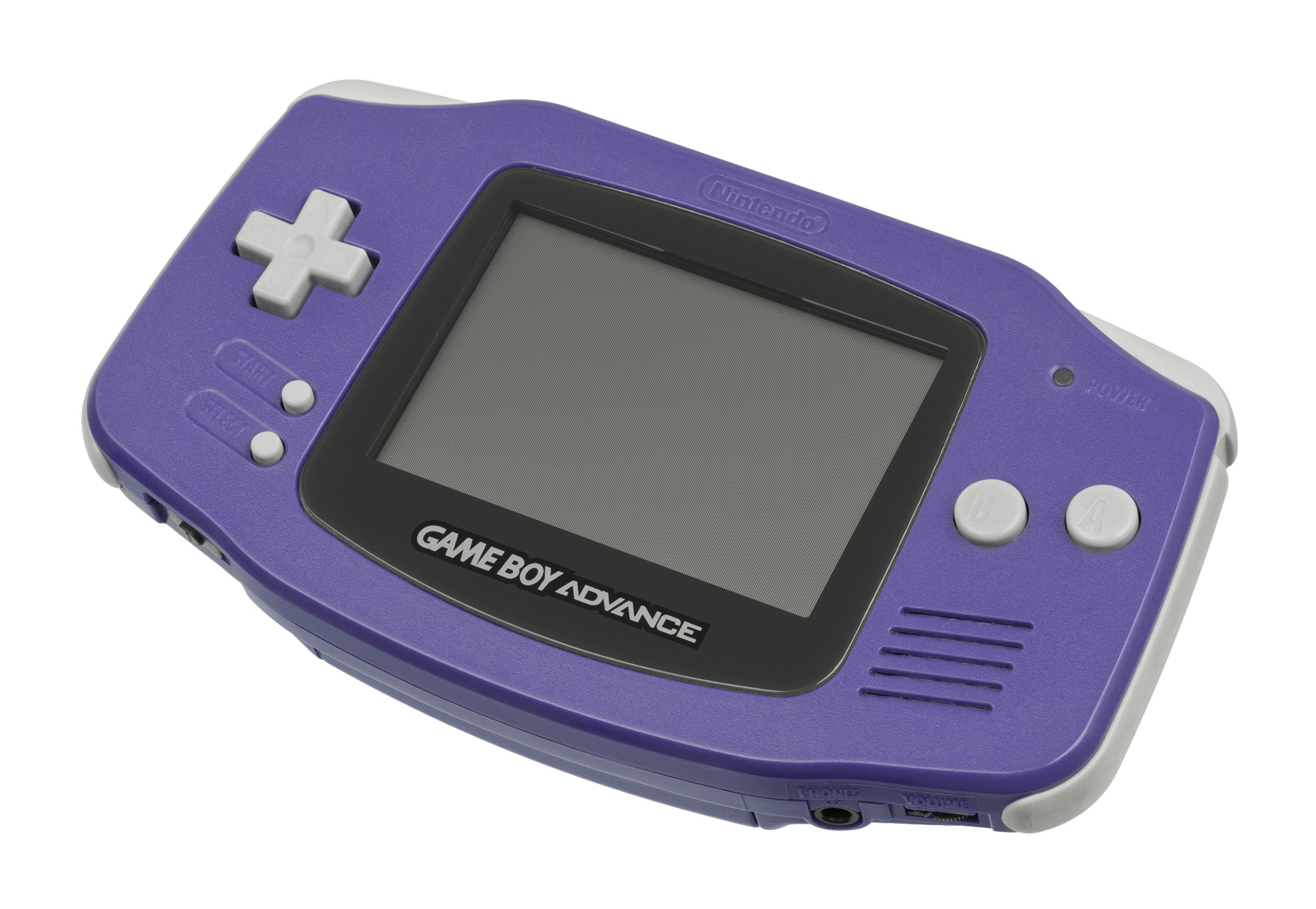
Game Boy Advance (GBA)

The 32-bit handheld powerhouse. Released in 2001, the Game Boy Advance brought Super Nintendo-level graphics and deeper gameplay into the palms of millions. With Rec0m88, you can play retro games from the GBA library on your big screen with sharp pixel scaling, accurate color correction, and fully integrated link cable netplay.

Hardware Architecture

The GBA marked a massive leap forward from the 8-bit era. It runs on a 32-bit ARM7TDMI CPU at 16.78 MHz, giving it the raw power to handle advanced pseudo-3D effects, sprite scaling, and rotation seamlessly—features that originally required special enhancement chips on the SNES.

It features a distinctive 240×160 resolution TFT LCD display. Because the original model lacked a backlight, many developers intentionally over-saturated game colors to make them visible under direct lighting. Audio is handled by dual 8-bit DACs for stereo sound, along with legacy channels for backward compatibility.

  • CPU32-bit ARM7TDMI @ 16.78 MHz
  • Graphics240×160 resolution, 32,768 colors
  • MediaFormats.gba (.zip/.7z supported)

Rec0m88 GBA Emulation

Rec0m88 defaults to the gold standard of GBA emulation: the mGBA core via EmulatorJS. Known for its flawless accuracy and high performance, mGBA natively supports advanced features like the Game Boy Camera, tilt sensors (used in WarioWare: Twisted!), and solar sensors (used in Boktai).

BIOS REQUIREMENTS

High-Level Emulation: No BIOS required to play 99% of games.
Maximum Accuracy: If you want the iconic Game Boy boot screen or need absolute cycle accuracy, place gba_bios.bin into your Rec0m88 bios directory.

Visual enhancements include Color Correction options to fix games that appear artificially bright on modern backlit screens, fast-forward functionality for grinding in RPGs, and dynamic cheat support.

A Golden Era of Handhelds

The GBA library is legendary, bridging the gap between SNES nostalgia and brand new, highly complex portable experiences.

Pockets Sized Epics

The GBA was a haven for RPG and strategy fans, boasting titles like Golden Sun, Advance Wars, and Fire Emblem. It continued 2D legacy franchises brilliantly with Metroid Fusion, Castlevania: Aria of Sorrow, and The Legend of Zelda: The Minish Cap.

Link Cable Netplay

No physical link cable required. Rec0m88 emulates the GBA link cable over the internet. You can trade and battle in Pokémon FireRed/LeafGreen and Pokémon Emerald, or race friends in Mario Kart: Super Circuit effortlessly.

Most Popular GBA Games

Pokémon Emerald
RPG
The Legend of Zelda: The Minish Cap
Action Adventure
Metroid Fusion
Action Platformer
Advance Wars
Strategy
Castlevania: Aria of Sorrow
Action Platformer
Golden Sun
JRPG

How to Play GBA Games Online with Rec0m88

Experience the definitive handheld console right on your PC monitor with zero setup required.

Step 01
Download Rec0m88
Windows · macOS · Linux

Grab the free desktop client. It’s a lightweight GUI frontend that handles all emulation locally with maximum performance.

Step 02
Organize Your Library
Metadata · Box Art

Use the free Game Library Organizer to scan your GBA ROM folder. It fetches high-quality box art and creates a Rec0m88 catalog.

Step 03
Load Your ROM
.gba / .zip / .7z

Import your catalog or drag-and-drop your compressed GBA files right into the app to launch your game instantly.

Step 04
Link Cable Netplay
WebRTC · Share ID

Utilize our P2P WebRTC architecture. Open the netplay menu, add your name, click Create Room, and share the ID with your friends to play Game Boy Advance games together over the internet.

GBA Emulation FAQ

Why do GBA colors look overly bright or washed out?

The original Game Boy Advance model did not have a backlit screen. To compensate for this, developers artificially brightened and saturated the color palettes so players could see the game under direct lighting. In the Rec0m88 core settings, you can enable “Color Correction” to restore the colors to their intended, natural look.

How does Pokémon trading work over netplay?

Using our P2P WebRTC architecture, the emulator essentially tricks the ROM into thinking a physical Link Cable is attached. When you host a netplay room and a friend joins, you both load into your respective save files, head to the Pokémon Center Link Club, and initiate a trade as if you were sitting next to each other.

Can I play original Game Boy or Game Boy Color games?

Yes. While this page covers the 32-bit GBA, Rec0m88 also fully supports standard Game Boy (GB) and Game Boy Color (GBC) files via dedicated cores like SameBoy and Gambatte, which also support link cable netplay.

How do I use the fast-forward feature?

RPG grinding is much easier with fast-forward. You can map a specific button on your controller or keyboard to the “Fast Forward” toggle in the Rec0m88 input settings. Pressing it removes the frame limit, speeding the game up instantly.

Ready to play? Download Rec0m88 free and relive the golden age of handheld gaming.
Similar Posts

  • MAME (Multiple Arcade Machine Emulator)

    Retro Console Encyclopedia MAME & Arcade The ultimate preservation project. MAME (Multiple Arcade Machine Emulator) brings the golden age of coin-op cabinets directly to your screen. From the neon-lit 80s to the competitive fighting game boom of the 90s, arcade hardware always represented the bleeding edge of gaming tech. With Rec0m88, you can play retro…

  • N64 (Nintendo 64)

    Retro Console Encyclopedia Nintendo 64 (N64) The console that ushered in the 3D revolution. Released in 1996, the Nintendo 64 pioneered true 3D environments, introduced the modern analog stick, and made 4-player local multiplayer a standard. With Rec0m88, you can play retro games from the 64-bit era natively on your desktop, complete with high-resolution upscaling,…

  • NDS (Nintendo DS)

    Retro Console Encyclopedia Nintendo DS (NDS) The best-selling handheld console of all time. Released in 2004, the Nintendo DS revolutionized gaming with its dual screens, touch interface, and built-in microphone, paving the way for modern mobile gaming while delivering some of the greatest Nintendo classics ever made. With Rec0m88, you can play retro games from…

  • Sega Game Gear

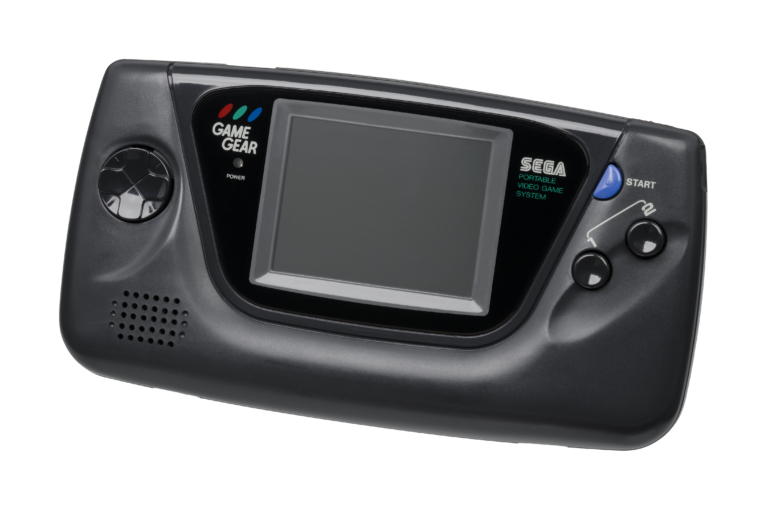
    Retro Console Encyclopedia Sega Game Gear The 8-bit handheld that brought full color and a backlit screen to the portable console war. Released in Japan in 1990 and North America in 1991, the Sega Game Gear was a pocket-sized powerhouse. With Rec0m88, you can play retro games from the Game Gear library on your big…

  • C64 (Commodore 64)

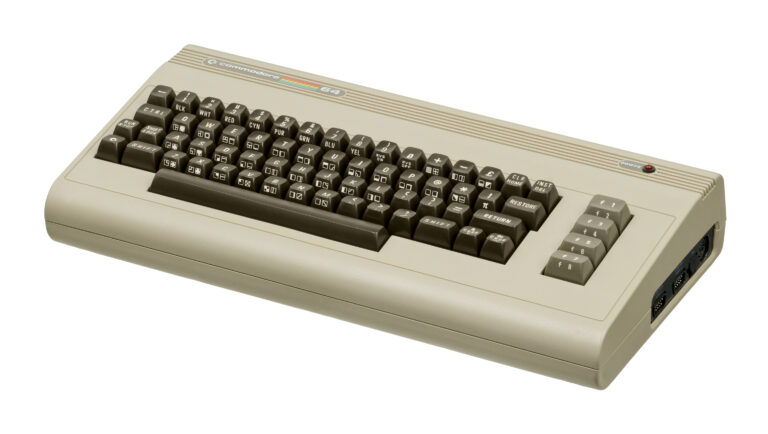
    Retro Console Encyclopedia Commodore 64 (C64) The highest-selling single computer model of all time. Released in 1982, the Commodore 64 brought affordable computing and incredible gaming into millions of living rooms. With Rec0m88, you can play retro games from the golden age of microcomputers effortlessly, bypassing complex keyboard commands with streamlined emulation, virtual joysticks, and…

  • TurboGrafx-16

    Retro Console Encyclopedia TurboGrafx-16 (PC Engine) The 16-bit graphics powerhouse with an 8-bit heart. Released in Japan in 1987 as the PC Engine and in North America in 1989, the TurboGrafx-16 revolutionized gaming with its sleek HuCards and pioneered the CD-ROM format. With Rec0m88, you can play retro games from both the standard and CD…

Leave a Reply

Your email address will not be published. Required fields are marked *