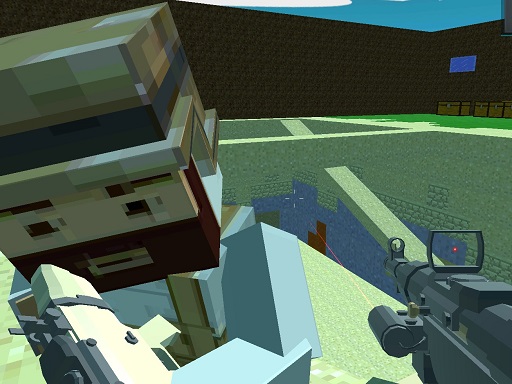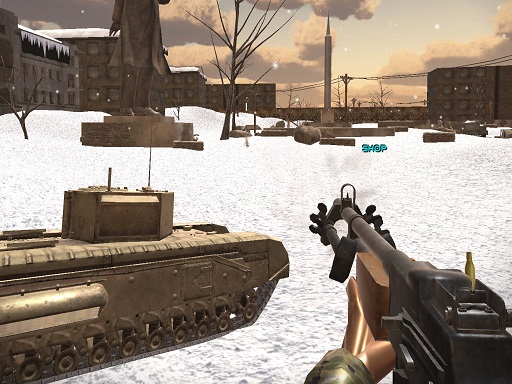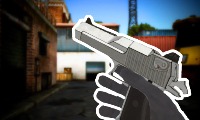
FPS Toy Realism
FPS Toy Realism

M2 – for aiming
M1 – for shooting
T – inspect weapon
J – close assistant
Space – jump
TAB – for counting
P – for menu
1-2 numbers – for changing weapon.
Q and E – for changing player position
Mobile devices:
Controls – buttons
Automatic shooting when aiming or by shooting button
Legacy & Design Philosophy
The Shooting genre has long been a cornerstone of digital entertainment, evolving from early hardware into sophisticated web-based experiences. Our platform curates titles like FPS Toy Realism that exemplify the best of their categories.
In the world of Shooting games, the transition from pixelated sprites to sleek, high-definition assets represents a massive leap in digital entertainment. FPS Toy Realism honors that progression by providing a focused environment where accuracy and reaction times are the primary metrics of success.
By utilizing advanced web technologies, we offer FPS Toy Realism as a zero-install experience. This eliminates traditional barriers like hardware compatibility and storage requirements, ensuring seamless gameplay across all modern devices.