Sega Game Gear
Sega Game Gear
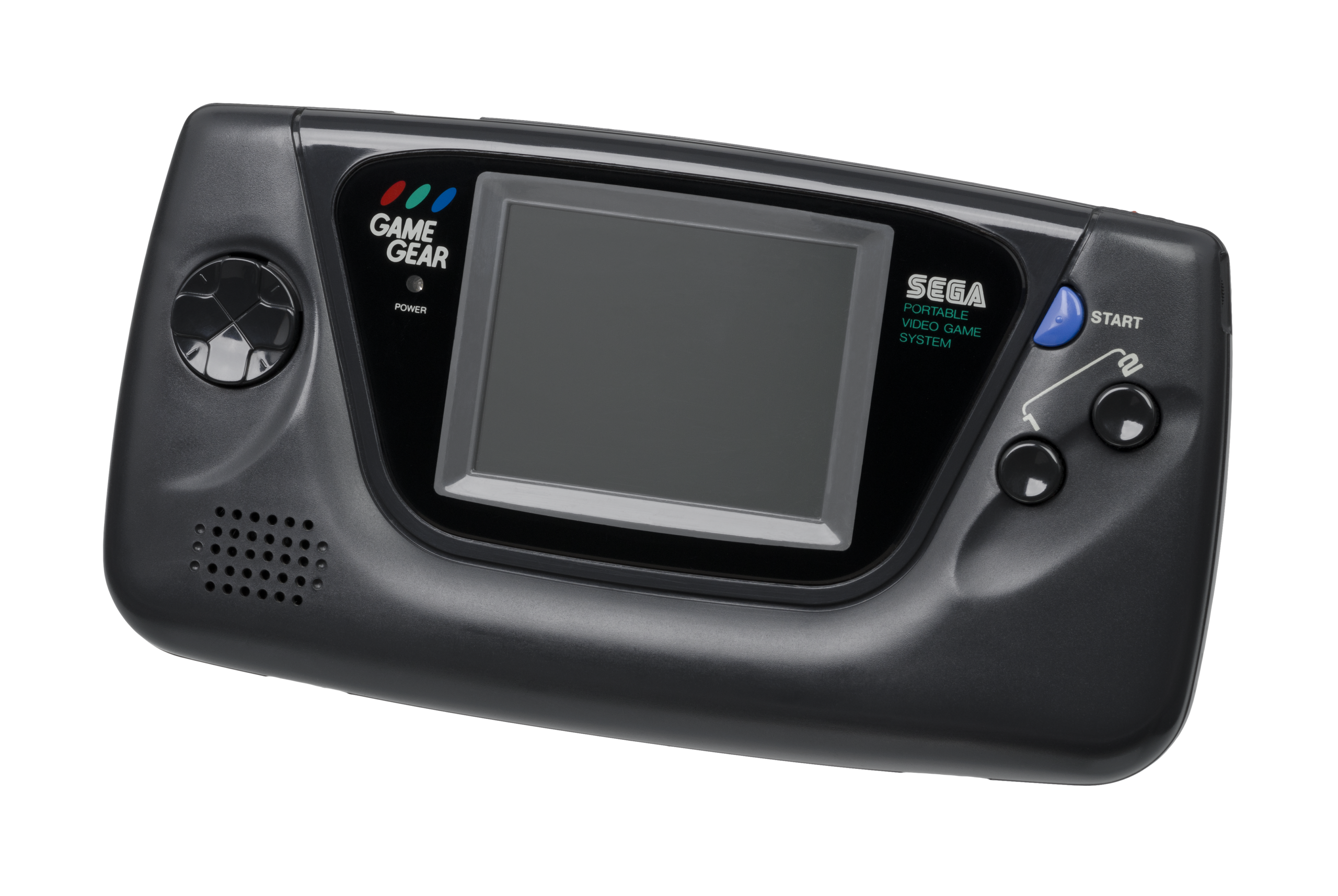
The 8-bit handheld that brought full color and a backlit screen to the portable console war. Released in Japan in 1990 and North America in 1991, the Sega Game Gear was a pocket-sized powerhouse. With Rec0m88, you can play retro games from the Game Gear library on your big screen with sharp pixels, LCD shaders, and seamless link cable netplay—all without worrying about 6 AA batteries.
8-Bit Arcade In Your Hands
The Game Gear featured unique 8-bit versions of Sega’s massive console hits, alongside incredible original titles that pushed the hardware to its absolute limits.
Sega Masterpieces
The handheld is famous for its unique 8-bit adaptations of Sonic the Hedgehog, Sonic 2, and Sonic Chaos. It’s also home to hidden gems like the Metroidvania-style Tails Adventure, the epic RPG Defenders of Oasis, and Shinobi II: The Silent Fury.
Link Cable Netplay
Rec0m88 beautifully emulates the original Game Gear link cable over modern WebRTC architecture. Challenge your friends to competitive puzzle matches in Columns and Dr. Robotnik’s Mean Bean Machine, or go head-to-head in Mortal Kombat II.
Most Popular Game Gear Games
How to Play Game Gear Games Online with Rec0m88
Experience full-color 8-bit gaming instantly on your desktop with zero complicated setup.
Grab the free desktop client. It’s a lightweight GUI frontend that handles all the emulation locally with maximum performance.
Use the free Game Library Organizer to scan your Game Gear ROM folder. It fetches high-quality box art and creates a clean catalog file.
Import your catalog or drag-and-drop your compressed .gg files right into the app window to launch the game instantly.
Utilize our P2P WebRTC architecture. Open the netplay menu, add your name, click Create Room, and share the ID with your friends to play Sega Game Gear games together over the internet.
Game Gear Emulation FAQ
Are Master System and Game Gear games the same?
While the hardware is very similar, they are different systems. The Game Gear has a lower resolution screen but a much larger color palette. Rec0m88 uses the Genesis Plus GX core, which perfectly handles both libraries without any manual configuration needed.
How do I make the graphics look like the original LCD screen?
Playing low-resolution handheld games on a modern 1080p or 4K monitor can look blocky. You can apply LCD grid shaders in the Rec0m88 video settings to recreate the authentic pixel layout and slight ghosting of the original 90s screen.
How does Link Cable emulation work?
Using our P2P WebRTC architecture, the emulator essentially simulates the physical connection of a Game Gear link cable over the internet. Once you and your friend are in a netplay room together, games that support multiplayer (like Columns) will recognize the connection automatically.
Do I have to worry about battery life?
Thankfully, no! The original Game Gear was infamous for devouring six AA batteries in under three hours. With Rec0m88, you can play your favorite 8-bit Sega classics indefinitely.
Ready to play? Download Rec0m88 free and experience the ultimate 8-bit color handheld today.