C64 (Commodore 64)
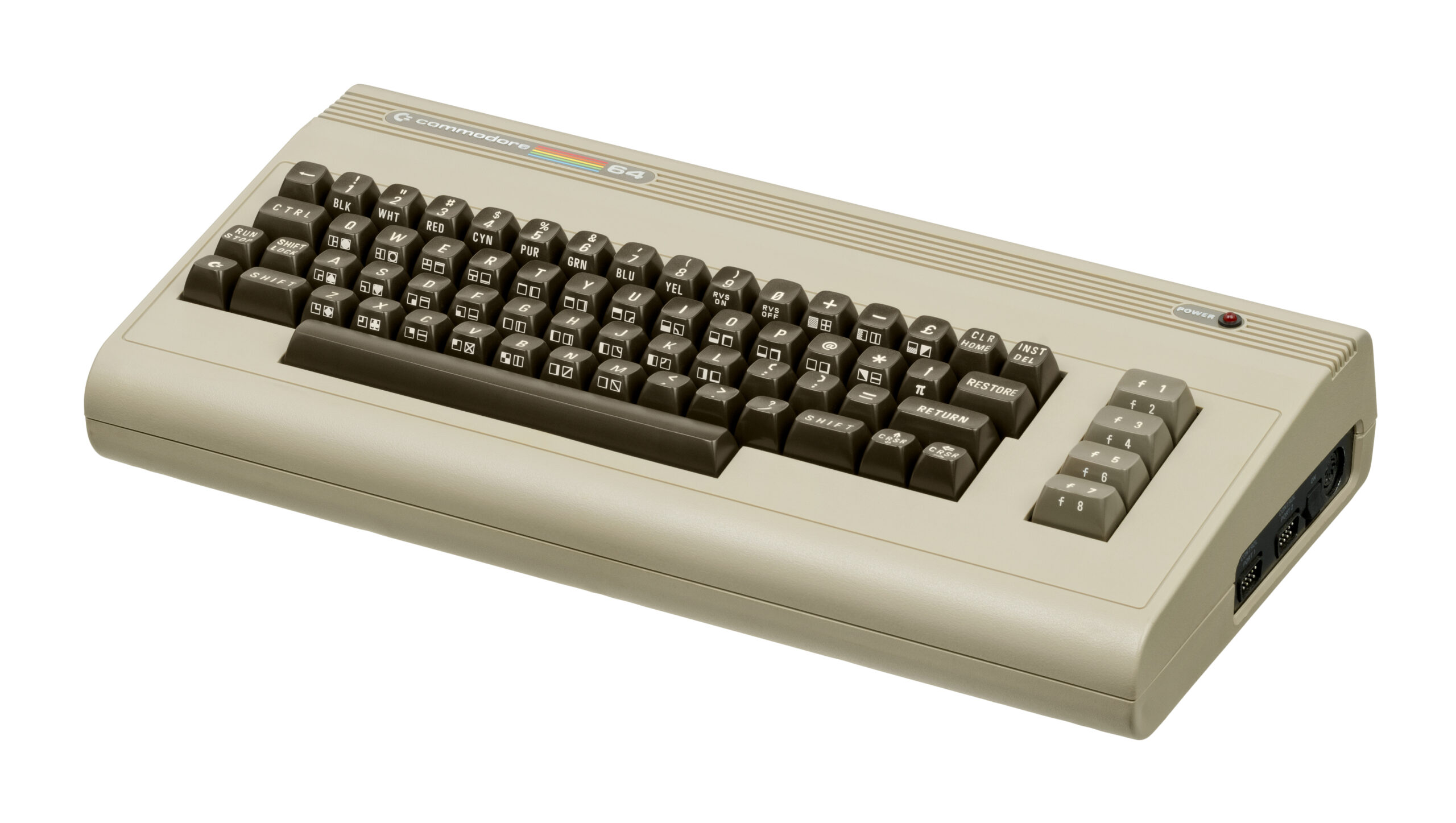
Commodore 64 (C64)
The highest-selling single computer model of all time. Released in 1982, the Commodore 64 brought affordable computing and incredible gaming into millions of living rooms. With Rec0m88, you can play retro games from the golden age of microcomputers effortlessly, bypassing complex keyboard commands with streamlined emulation, virtual joysticks, and netplay support.
The Microcomputer Revolution
The C64 had a diverse, massive library filled with pioneering genres, from the birth of the point-and-click adventure to brutal action platformers.
Pioneering Classics
Experience early LucasArts magic with Maniac Mansion and Zak McKracken. Test your reflexes with European run-and-gun masterpieces like Turrican and Commando. Puzzle your way through Boulder Dash, or attempt the legendary acrobatics of Impossible Mission (“Stay awhile… stay forever!”).
Computer Multiplayer
Because the C64 featured two joystick ports, local multiplayer was huge. Using Rec0m88’s WebRTC netplay, you can host lag-free online sessions of early competitive classics like M.U.L.E., Archon: The Light and the Dark, Bruce Lee, and Bubble Bobble.
Most Popular C64 Games
How to Play C64 Games Online with Rec0m88
Computer emulation can be daunting, but Rec0m88 automates disk loading and joystick configuration so you can jump straight into the action.
Place the required C64 ROM files into a vice folder inside your Rec0m88 bios directory.
Drag and drop your game file into Rec0m88. The emulator will attempt to automatically run the load command and launch the game for you.
Many C64 games use Joystick Port 2 for Player 1. If your controller isn’t working, open the core options and swap the active joystick port.
Utilize our P2P WebRTC architecture. Open the netplay menu, add your name, click Create Room, and share the ID with your friends to play C64 multiplayer titles together.
C64 Emulation FAQ
Why isn’t my controller working in the game?
A famous quirk of the original C64 hardware is that a vast majority of single-player games expect the joystick to be plugged into Port 2. In the Rec0m88 input settings, ensure your primary controller is mapped to Port 2 if the character won’t move.
How do I skip the long loading screens?
If you are playing a game from a .t64 (tape cassette) or .d64 (floppy disk) format, the emulator simulates the original drive speed. You can map a “Fast Forward” button in the Rec0m88 settings to speed up the emulator dramatically while loading.
The game is asking me to press a keyboard key (like Space or F1).
Because it was a computer, many games require keyboard inputs to start. You can simply use your PC’s actual keyboard to press these keys, or bring up the Virtual Keyboard overlay in the emulator menu if you are playing exclusively with a gamepad.
Which file format is best?
If a game was released as a cartridge (.crt), it is usually the best format as it loads instantly. Otherwise, .d64 (disk images) are the standard and most reliable way to play C64 games.
Ready to play? Download Rec0m88 free and experience the golden age of microcomputers today.