How to Play Retro Games on Your Phone: Touch Controls, Controllers and Tips
How to Play Retro Games on Your Phone: Touch Controls, Controllers and Tips
The phone in your pocket is more powerful than every console from the 8-bit and 16-bit eras put together, by a huge margin. It has a sharp screen, a long battery, and it goes everywhere with you. It’s honestly one of the best retro gaming devices you own.
Most people assume playing classic games on a phone means hunting down an app, fighting with settings and hoping it works. It doesn’t have to. The Rec0m88 Arcade runs right in your phone’s web browser, with nothing to install.
This guide covers how to get the best experience, whether you’re tapping on the screen or using a real controller.
Why play in the browser instead of an app?
Apps have their place, but browser games have some real advantages on a phone.
Nothing to install. You open a page and start playing. No storage space used up, no updates to manage, no permissions to approve.
It works on any phone. Android or iPhone, new or a few years old, if it has a modern browser it can play.
Your progress follows you. Start a game on your computer at home, then pick it up on your phone right where you left off. That’s one of the features I was most determined to get right in the Rec0m88 Arcade.
It’s free. No in-app purchases, no subscriptions and no account needed to start playing.
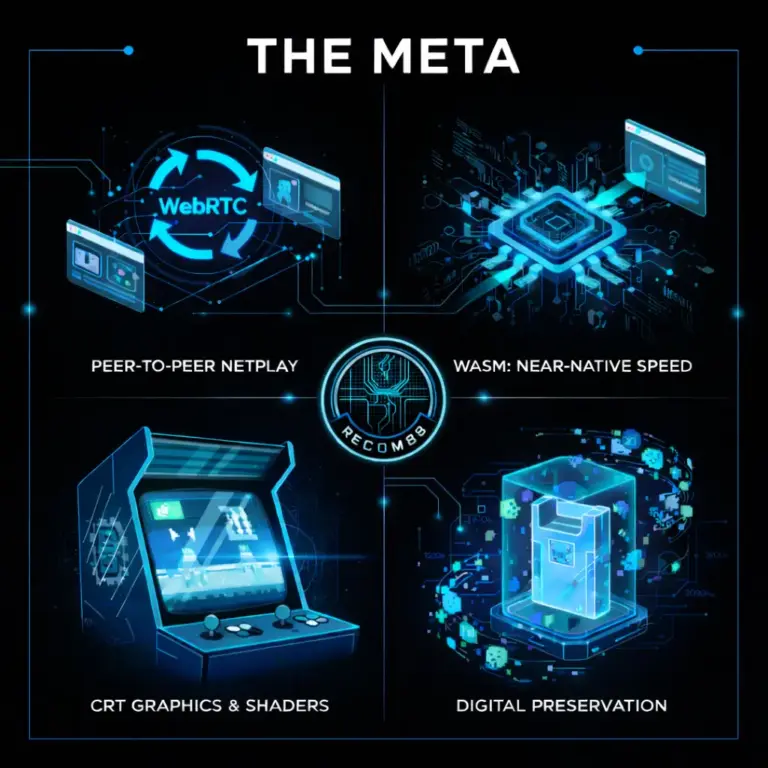
The technology that makes this possible is WebAssembly, which lets browsers run demanding code at close to the speed of a native app. I wrote about how it works in The WebAssembly Revolution.
Playing with touch controls
When you open a game on your phone, on-screen buttons appear over the picture. A directional pad sits on one side and the action buttons on the other, laid out like a classic controller.
A few tips make touch controls feel much better:
- Turn your phone sideways. Landscape gives the game a bigger picture and keeps your thumbs out of the way.
- Use full screen. Hiding the browser’s address bar gives you more room and fewer accidental taps.
- Rest your thumbs lightly. Touch screens don’t need force. Hovering your thumb just above the D-pad and rolling it between directions is faster than lifting and tapping.
- Pick the right games. Puzzle, strategy and turn-based games are a perfect match for touch. Fast platformers are playable, but they shine with a real controller.
Using a Bluetooth controller
If you want the full console feel, pair a controller. Most modern Bluetooth controllers work with phones, including Xbox Wireless Controllers, PlayStation DualShock 4 and DualSense controllers, and many 8BitDo pads.
Pairing takes about a minute:
- Put the controller into pairing mode. On most controllers you hold a pairing or share button until a light starts flashing quickly.
- On your phone, open Definições, then Bluetooth, and choose the controller when it appears.
- Open a game in the Rec0m88 Arcade and press a button. The game should pick up the controller straight away.
If the game doesn’t respond, press a few buttons on the controller after the page has loaded. Browsers often wait for a button press before they let a page see a controller.
A phone clip that attaches your phone to the top of the controller makes this setup even better. You end up with something very close to a handheld console.
Getting smoother performance
Most games run great on any recent phone, but a few habits help on older devices or longer sessions.
Close other tabs and apps. Games run best when they aren’t competing for memory.
Watch out for battery saver mode. Low power modes on both Android and iPhone can slow your phone down to save battery. If a game suddenly feels choppy, check whether it’s switched on.
Use a good connection to load. Games need to download before they start. Once a game is loaded, most play smoothly even if your signal is weak.
Keep your browser updated. Browser updates often bring speed improvements and better controller support.
What’s in the arcade
The Rec0m88 Arcade includes jogos criados por utilizadores for classic consoles like the NES and SNES, brand new games written by independent developers for old hardware, alongside a large collection of free browser games across action, puzzle, racing, strategy and more.
Everything in the arcade is playable on a phone, so you can browse by category and jump in wherever you like.
Want more than your phone can offer?
Phones are fantastic for quick sessions, but some experiences are better on a bigger setup. If you want to play classic consoles with a friend over the internet, the Rec0m88 desktop emulator supports 18 classic systems with built-in netplay on Windows, macOS, Linux and Xbox.
And if you want a quick challenge on the go, the Retro Challenge Arena gives you a new classic game every day with 90-second runs and live leaderboards, all in your browser.
FAQ
Can I play retro games on my phone without an app? Yes. The Rec0m88 Arcade runs in your phone’s web browser, so there’s nothing to download or install.
Does it work on iPhone and Android? Yes. Any modern phone with an up-to-date browser can play.
Can I use a controller with my phone? Yes. Pair a Bluetooth controller in your phone’s settings, open a game, and press a button so the browser detects it.
Will my progress carry over between devices? Yes. You can start a game on your computer and pick it up on your phone where you left off.
Is it free? Yes. Every game in the Rec0m88 Arcade is free to play.
Touch control mapping is the make-or-break factor for retro on phones – an overlay that respects the original button layout turns a novelty into something you can actually finish Mega Man on. Bluetooth controller support has closed most of the gap too, but the touch-first options are what make casual pickup sessions work.