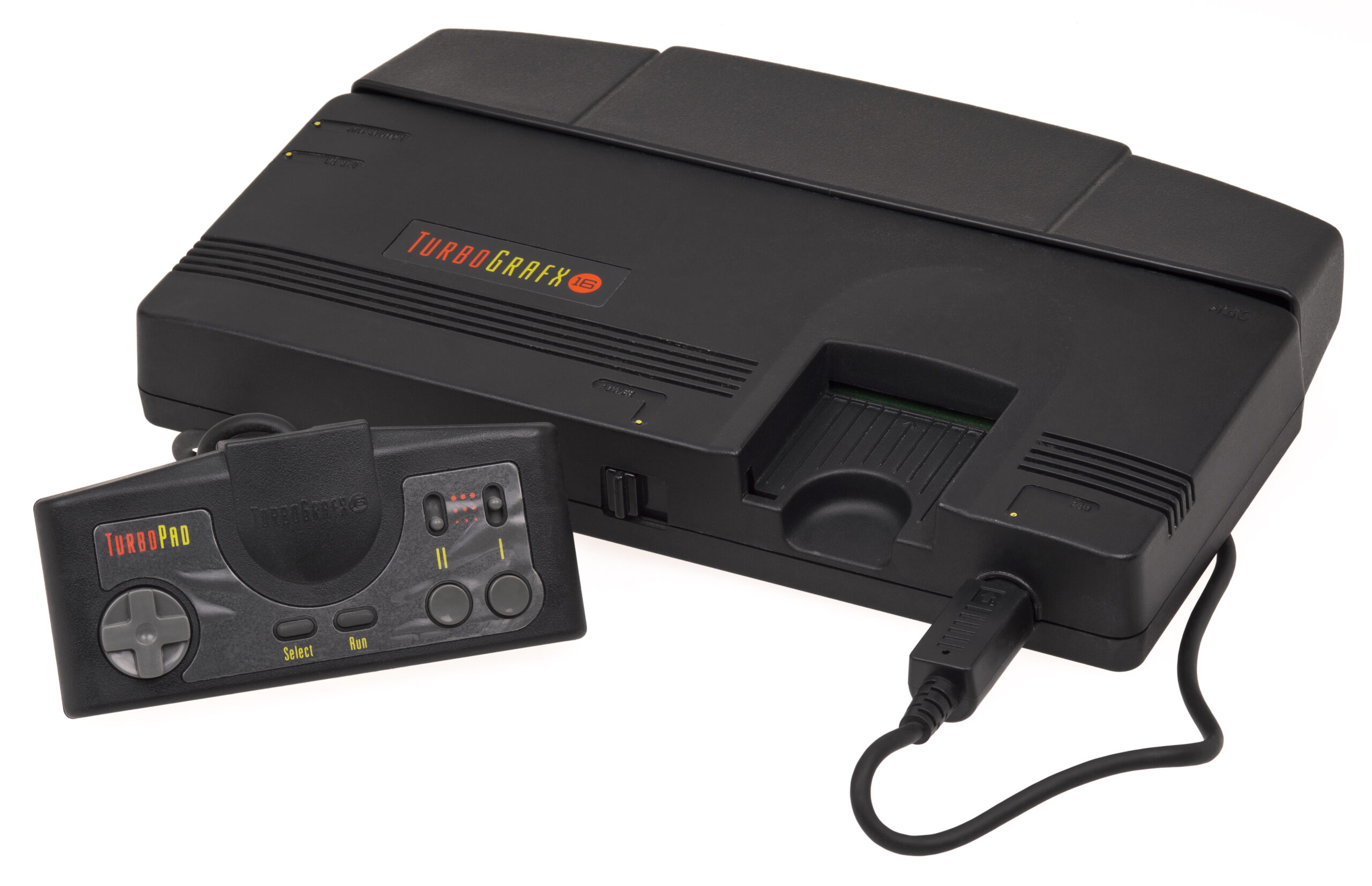
TurboGrafx16 Console

TurboGrafx-16

TurboGrafx-16 (PC Engine)

The 16-bit graphics powerhouse with an 8-bit heart. Released in Japan in 1987 as the PC Engine and in North America in 1989, the TurboGrafx-16 revolutionized gaming with its sleek HuCards and pioneered the CD-ROM format. With Rec0m88, you can jogar jogos retro from both the standard and CD libraries natively on your desktop, complete with fast loading times, CRT shader support, and lag-free netplay.

Arquitetura de hardware

Designed by Hudson Soft and NEC, the system was famously marketed as a 16-bit console. While it utilized an 8-bit HuC6280 CPU running at a blazing fast 7.16 MHz, its true power lay in its dual 16-bit graphics processors: the Video Color Encoder (VCE) and Video Display Controller (VDC).

This combination allowed it to display up to 512 colors simultaneously and push massive, colorful sprites without slowdown, making it the undisputed king of arcade ports and shoot ’em ups. Audio was handled by a 6-channel programmable wavetable synthesis chip, though the later CD-ROM² add-on brought fully orchestrated Red Book audio to the living room.

  • CPU & Graphics8-bit HuC6280 / Dual 16-bit Video Chips
  • MediaFormats (HuCard).pce (.zip/.7z supported)
  • MediaFormats (CD).chd .cue .bin

Rec0m88 TG-16 Emulation

Rec0m88 utilizes the highly accurate Beetle PCE Fast core via the EmulatorJS framework. This provides flawless compatibility for both the massive Japanese PC Engine library and the North American TurboGrafx-16 releases, completely bypassing the original hardware’s region locks.

REQUISITOS DO BIOS

Standard HuCards (.pce): Não é necessário BIOS.
TurboGrafx-CD / Super CD-ROM² (.chd / .cue): Requires the System Card BIOS file to boot. Place syscard3.pce in your Rec0m88 BIOS directory to unlock the full CD library.

Modern emulation features are fully supported, including save states, rewind functionality, CRT shaders to mimic classic PVM monitors, and the built-in dynamic cheat manager.

Arcade Perfection at Home

The system became legendary for housing some of the best scrolling shooters (shmups) and action platformers of its era, as well as being the first console to successfully utilize CD audio and voice acting.

Definitive Masterpieces

The mascot Bonk’s Adventure defined the system’s early days, while Castlevania: Rondo of Blood (a Super CD-ROM² exclusive) is widely considered one of the greatest games in the franchise. The console is a goldmine for shooters like Blazing Lazers, R-Type, e Lords of Thunder, alongside pinball classics like Alien Crush e Devil’s Crush.

The Multiplayer King

Before the N64, the TG-16 was the party console thanks to the Multitap adapter. With Rec0m88’s WebRTC rollback netplay, you can easily host matches of Bomberman ’93 ou Bomberman ’94, which support up to 5 players for chaotic, friendship-ruining fun online with practically zero latency.

Most Popular TurboGrafx-16 Games

Bonk’s Adventure
Plataforma
Castlevania: Rondo of Blood
Jogo de ação e plataformas
Blazing Lazers
Shoot ‘Em Up
R-Type
Shoot ‘Em Up
Bomberman ’94
Multiplayer Action
Lords of Thunder
CD Shoot ‘Em Up

How to Play TG-16 / PCE Games on Rec0m88

Rec0m88 unifies the disparate HuCard and CD-ROM libraries into one seamless desktop experience.

Passo 01
Descarregar o Rec0m88
Windows · macOS · Linux

Grab the free desktop client. It’s a lightweight GUI frontend that handles all the emulation processes instantly on your machine.

Passo 02
Organize a sua biblioteca
Metadados · Capa da caixa

Use the free Game Library Organizer to scan your ROM folder. It fetches Japanese and US box art and metadata, exporting a clean catalog file.

Passo 03
Carregar a sua ROM
.pce / .chd / .zip

Import your exported Catalog, or drag-and-drop individual files directly into the app window. (For CD games, ensure syscard3.pce is in your BIOS folder).

Passo 04
Iniciar o Netplay
ID do anfitrião e de partilha

Map your controller, enable CRT shaders for that arcade feel, and use the Netplay menu to host a room for epic Bomberman matches.

TurboGrafx-16 Emulation FAQ

What is the difference between PC Engine and TurboGrafx-16?

They are the exact same hardware. PC Engine was the original Japanese release, and TurboGrafx-16 was the rebranded North American version. Rec0m88 plays ROMs from both regions seamlessly without requiring region-switching.

Do I need a BIOS file?

Standard HuCard games (.pce files) do not require a BIOS. However, if you want to play CD-ROM² or Super CD-ROM² titles (like Castlevania: Rondo of Blood), you must place the syscard3.pce file into your Rec0m88 bios directory.

What is the best format for CD games?

We highly recommend converting your .cue / .bin CD games into the .chd format. It compresses the game size significantly without losing any data or audio quality, and loads instantly in Rec0m88.

Can I play Bomberman online?

Yes! Rec0m88 features WebRTC netplay. You can host a room, share your Room ID, and play multiplayer titles like Bomberman ’93 and ’94 over the internet with your friends. Both players just need to have the exact same ROM file.

Pronto para jogar? Descarregar o Rec0m88 gratuitamente and experience the PC Engine library today.
Publicações semelhantes

  • PSX (PlayStation 1)

    Enciclopédia de Consolas Retro: Sony PlayStation (PS1) A consola que popularizou os jogos em 3D com efeito cinematográfico. Lançada em 1994, a PlayStation original (PS1 / PSX) dominou a era dos 32 bits com o seu formato de CD-ROM, as suas bandas sonoras orquestrais arrebatadoras e o seu vasto catálogo de jogos. Com o Rec0m88, pode jogar jogos retro da era PS1 de forma nativa no seu computador, com…

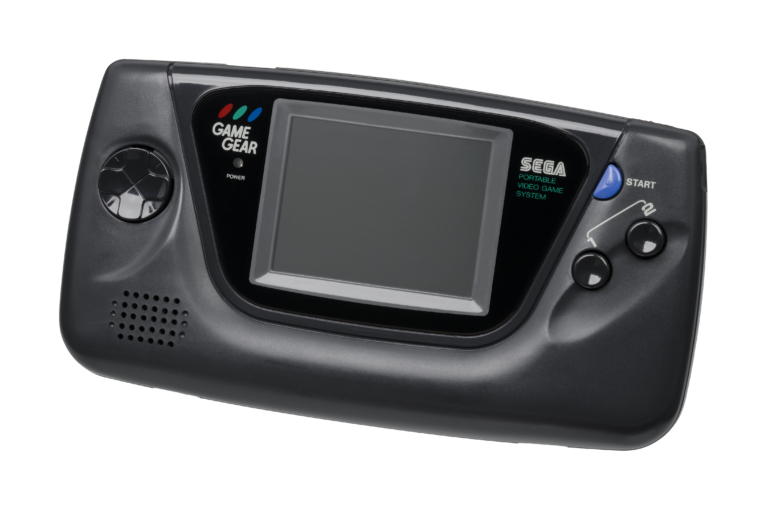
  • Sega Game Gear

    Enciclopédia de Consolas Retro: Sega Game Gear — A consola portátil de 8 bits que trouxe cores e um ecrã retroiluminado para a guerra das consolas portáteis. Lançada no Japão em 1990 e na América do Norte em 1991, a Sega Game Gear era uma potência de bolso. Com o Rec0m88, pode jogar jogos retro da biblioteca do Game Gear no seu grande…

  • Sega Saturn

    Enciclopédia de Consolas Retro: Sega Saturn – O rei indiscutível dos gráficos 2D de 32 bits e a conquista mais complexa da Sega em termos de hardware. Lançada em 1994, a Sega Saturn ofereceu jogos de luta com a mesma qualidade dos arcades, jogos de tiro inovadores e um catálogo japonês sem paralelo. Com o Rec0m88, pode jogar jogos retro da era Saturn de forma nativa no seu computador, dominando a sua lendária arquitetura de CPU dupla…

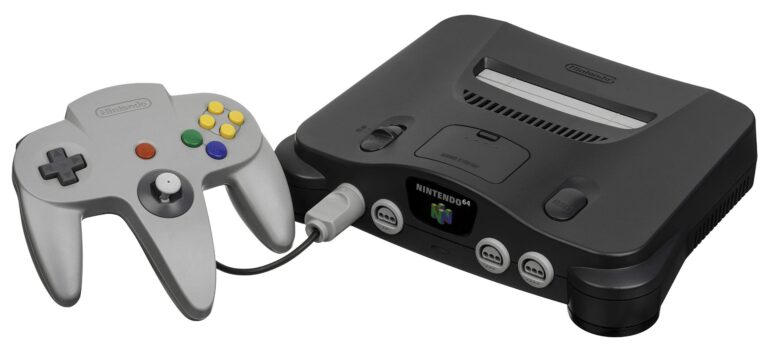
  • N64 (Nintendo 64)

    Enciclopédia de Consolas Retro: Nintendo 64 (N64) A consola que marcou o início da revolução 3D. Lançada em 1996, a Nintendo 64 foi pioneira em ambientes 3D reais, introduziu o joystick analógico moderno e tornou o modo multijogador local para 4 jogadores um padrão. Com o Rec0m88, pode jogar jogos retro da era dos 64 bits de forma nativa no seu computador, com upscaling de alta resolução,…

  • NES (Nintendo Entertainment System)

    Enciclopédia de Consolas Retro: Nintendo Entertainment System (NES) — A consola que revitalizou uma indústria. Explore a arquitetura de 8 bits, o catálogo lendário e as nuances técnicas da NES. Com o Rec0m88, pode jogar jogos retro da era da NES com emulação com precisão de ciclo, suporte a shaders CRT e jogo online P2P sem interrupções. Sem configuração. Sem latência. Apenas pura nostalgia de 8 bits. Hardware…

  • Panasonic 3DO

    Enciclopédia de Consolas Retro: 3DO Interactive Multiplayer — A ambiciosa e dispendiosa pioneira de 32 bits da era do CD-ROM. Lançada em 1993, a 3DO prometia uma revolução multimédia, levando vídeo em movimento (FMV) com nitidez cristalina e gráficos 3D de última geração para a sala de estar. Com o Rec0m88, pode jogar jogos retro da lendária biblioteca da 3DO diretamente no seu computador, com…

Deixe um comentário

O seu endereço de email não será publicado. Campos obrigatórios marcados com *