Dottie is nergens bang voor
Dottie dreads nought
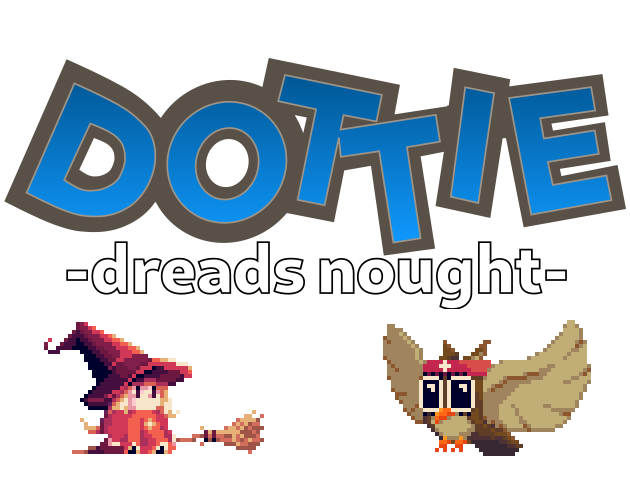
Dottie dreads nought is een platformspel dat is gemaakt voor de SNESDEV Game Jam 2021.
Kun je Dottie helpen bij haar wandelavontuur om de legendarische edelweissbloem te vinden?
Haar vriend Ernesto gaat mee op avontuur. Door de toverspiegel te gebruiken, kun je het perspectief naar hem verleggen en geheimen onthullen die voorheen verborgen waren.
Met muziek van de geweldige Ninomiya Yuji, bekend van Nekotako:
https://www.youtube.com/c/NinomiyaYujiOfficial
Maakt gebruik van qSPC van https://twitter.com/gyuque.
Zie https://twitter.com/Goldlocke7 voor de devlog
Wijzigingenlogboek:
V1.1 (5 september 2021):
- diverse bugfixes
- de moeilijkheidsgraad van de achtervolgingsscène bij de vulkaan is verlaagd
V1.0 (2 september 2021):
-eerste uitgave
Spelspecificaties (conform de regels van de SNESDEV Game Jam 2021):
- Opbouw van de cartridge: SHVC-1J0N-01 (alleen 8 Mbit ROM, modus 31)
- Videosysteem/Doelregio: NTSC/Japan
- Invoer: standaard joypad op poort 1, één speler
- Thema-integratie: Schakel over naar het perspectief van de sidekicks om verborgen geheimen te onthullen.
- Bijdragen: https://twitter.com/ninomiyayuji (muziek), https://twitter.com/Goldlocke7 (overige)
- Gebruikte externe bronnen: http://pagam.es/q2/ (SPC700-driver van https://twitter.com/gyuque), diverse gratis geluidseffecten
- Tijdens de game jam gebruikte, maar niet gecreëerde middelen: eigen broncodebestand uit eerdere persoonlijke projecten
- Gebruikte tools: WLA-DX, LZ4, Visual Studio Code, C700, Audacity, GIMP, Blender, Tiled, gracon (https://github.com/snesdev0815/gracon), make
- Met succes getest op: SFC 1/1/1, SFC 2/1/3, SNES PAL 2/1/3, SNES 1Chip, Analogue Super NT, BSNES, Snes9x
- Ontwikkelingsperiode: 4 juni 2021 tot en met 5 september 2021
Gebruik een willekeurige SNES-emulator of flashcart om het ROM-bestand op je computer of op echte hardware te spelen.
Besturing en informatie over de emulator
Gebruik je toetsenbord om te spelen. Standaardtoetsen:
- D-Pad: Pijltjestoetsen
- A / B: X / Z
- X / Y: S / A
- Begin: Enter
- Selecteer: Shift
- L / R: Q / W
De besturing kan worden aangepast via het in-game menu van de emulator. Gamepads worden volledig ondersteund in moderne browsers.