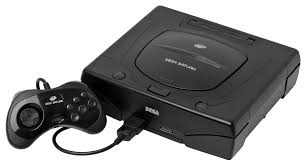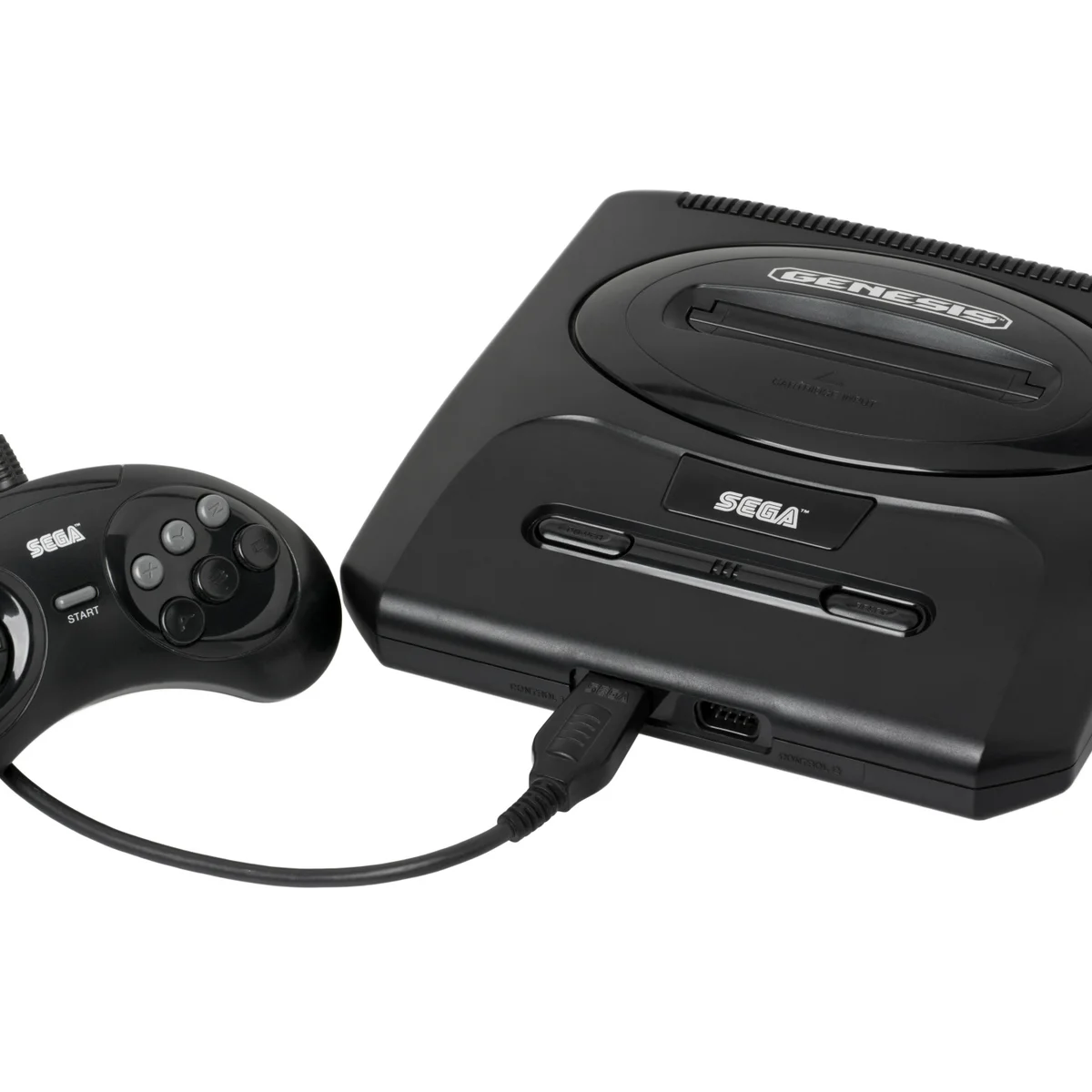
Sega Genesis Console

Sega Genesis (Mega Drive & Master System)

Sega Genesis (Mega Drive) & Master System

The systems that defined arcade action at home. From the 8-bit origins of the Master System to the 16-bit “Blast Processing” of the Genesis (Mega Drive), Sega built a legacy of fast, edgy, and unforgettable gaming. With Rec0m88, you can Retro-Spiele spielen from both legendary consoles with perfect accuracy, CRT filters, and lag-free netplay — all in one unified application.

Hardware Architecture

The 16-bit Sega Genesis (Mega Drive outside North America) was powered by a fast Motorola 68000 CPU running at 7.6 MHz. Interestingly, it also included a Zilog Z80 coprocessor primarily used for audio control—the exact same CPU that powered the 8-bit Master-System. This architecture made the Genesis naturally backward-compatible with Master System games.

The defining characteristic of the 16-bit era was Sega’s sound. The Yamaha YM2612 FM synthesizer chip delivered gritty, metallic basslines and punchy drums that became synonymous with 90s electronic and rock game soundtracks, standing in stark contrast to Nintendo’s sample-based audio.

  • CPUMotorola 68000 (16-bit) & Zilog Z80 (8-bit)
  • SoundYamaha YM2612 FM Synth + SN76489 PSG
  • MediaFormats.md .gen .smd .sms .bin (.zip/.7z supported)

Rec0m88 Sega Emulation

Rec0m88 utilizes the highly acclaimed Genesis Plus GX core via the EmulatorJS framework. This core is widely considered the gold standard for Sega 8-bit and 16-bit emulation, providing cycle-accurate reproduction of the FM synthesis audio and VDP graphics for both the Genesis and Master System.

BIOS REQUIREMENTS

Genesis / Master System: No BIOS required.
Sega CD (Mega-CD): If you venture into the CD library, you will require the region-specific BIOS files: bios_CD_U.bin, bios_CD_E.bin, or bios_CD_J.bin placed in the Rec0m88 bios directory.

Features include instant save states, 6-button controller support (essential for fighters), and a built-in dynamic cheat system that replaces the need for old Game Genie codes.

The Console War Era

Sega’s libraries were defined by sports, beat ’em ups, arcade ports, and a very fast blue hedgehog. Rec0m88 brings these iconic games back to life with the speed and attitude they were famous for.

Definitive Classics

Experience the blistering speed of Sonic the Hedgehog 1, 2, 3 & Knuckles. Dive into legendary RPGs like Phantasy Star IV und Shining Force. Revisit Master System 8-bit gems like Alex Kidd in Miracle World, Phantasy Star, and Wonder Boy III: The Dragon’s Trap.

Couch Co-Op & Netplay

The Genesis was the king of local multiplayer. Thanks to Rec0m88’s P2P WebRTC netplay, you can host lag-free online sessions for legendary beat ’em ups like Streets of Rage 2 und Golden Axe. Team up in Gunstar Heroes oder Contra: Hard Corps, or settle the score in Mortal Kombat II with blood code enabled.

Most Popular Sega Games

Sonic the Hedgehog 2
Platformer
Streets of Rage 2
Beat ‘Em Up
Phantasy Star IV
RPG
Gunstar Heroes
Run & Gun
Mortal Kombat II
Kämpfen
Alex Kidd in Miracle World
SMS Platformer

How to Play Sega Games on Rec0m88

Rec0m88 makes playing 8-bit and 16-bit Sega titles incredibly simple with an all-in-one desktop app.

Step 01
Rec0m88 herunterladen
Windows · macOS · Linux

Grab the free desktop client. It’s a lightweight GUI frontend that handles all the emulation processes instantly on your machine.

Step 02
Organize Your Library
Metadata · Box Art

Use the free Game Library Organizer to scan your ROM folder. It fetches accurate box art and metadata, exporting a clean Rec0m88 catalog file.

Step 03
Load Your ROM
.md / .sms / .zip

Import your exported Catalog, or drag-and-drop individual files (both Genesis and Master System) directly into the app window.

Step 04
Start Netplay
WebRTC · Host & Share ID

Map your 3-button or 6-button controller, enable CRT shaders, and use our P2P WebRTC architecture to easily host lag-free co-op sessions over the internet.

Sega Emulation FAQ

Do I need separate emulators for Genesis and Master System?

No. Because the original Genesis contained the Master System hardware inside of it, the Genesis Plus GX core in Rec0m88 seamlessly plays ROMs for both systems without needing to switch settings.

How do I use a 6-button controller?

Rec0m88 automatically detects modern gamepads. Go to the controller settings in the overlay menu to map the A, B, C and X, Y, Z buttons. This is highly recommended for fighting games like Street Fighter II and Mortal Kombat.

Can I play Streets of Rage online with a friend?

Yes. Our P2P WebRTC rollback netplay is perfect for Genesis beat ’em ups and shooters. Simply click “Host Netplay” in the menu, give the Room ID to your friend, and start playing. Both players must have the exact same ROM version.

What about Sega CD or 32X games?

Sega CD is supported via the Genesis Plus GX core (requires BIOS files). 32X emulation is available using the PicoDrive core, which can be selected in the Rec0m88 core options menu.

Ready to play? Download Rec0m88 free and experience Sega’s greatest hits today.
Ähnliche Beiträge

  • NDS (Nintendo DS)

    Retro Console Encyclopedia Nintendo DS (NDS) The best-selling handheld console of all time. Released in 2004, the Nintendo DS revolutionized gaming with its dual screens, touch interface, and built-in microphone, paving the way for modern mobile gaming while delivering some of the greatest Nintendo classics ever made. With Rec0m88, you can play retro games from…

  • NES (Nintendo Entertainment System)

    Retro Console Encyclopedia Nintendo Entertainment System (NES) The console that revived an industry. Explore the 8-bit architecture, legendary library, and technical nuances of the NES. With Rec0m88, you can play retro games from the NES era with cycle-accurate emulation, CRT shader support, and seamless P2P netplay. No configuration. No latency. Just pure 8-bit nostalgia. Hardware…

  • C64 (Commodore 64)

    Retro Console Encyclopedia Commodore 64 (C64) The highest-selling single computer model of all time. Released in 1982, the Commodore 64 brought affordable computing and incredible gaming into millions of living rooms. With Rec0m88, you can play retro games from the golden age of microcomputers effortlessly, bypassing complex keyboard commands with streamlined emulation, virtual joysticks, and…

  • Wonderswan

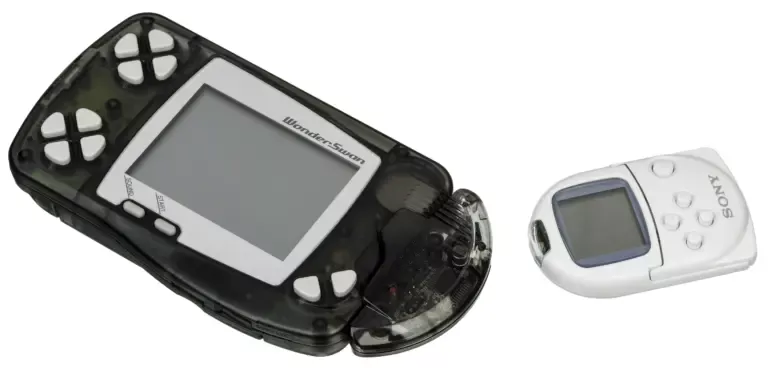
    Retro Console Encyclopedia Bandai WonderSwan The final hardware masterpiece from Game Boy creator Gunpei Yokoi. Released exclusively in Japan in 1999 (and followed by the Color and Crystal models), the WonderSwan challenged Nintendo with its unique design that allowed games to be played horizontally or vertically. With Rec0m88, you can play retro games from this…

  • N64 (Nintendo 64)

    Retro Console Encyclopedia Nintendo 64 (N64) The console that ushered in the 3D revolution. Released in 1996, the Nintendo 64 pioneered true 3D environments, introduced the modern analog stick, and made 4-player local multiplayer a standard. With Rec0m88, you can play retro games from the 64-bit era natively on your desktop, complete with high-resolution upscaling,…

  • GBA (Game Boy Advance)

    Retro Console Encyclopedia Game Boy Advance (GBA) The 32-bit handheld powerhouse. Released in 2001, the Game Boy Advance brought Super Nintendo-level graphics and deeper gameplay into the palms of millions. With Rec0m88, you can play retro games from the GBA library on your big screen with sharp pixel scaling, accurate color correction, and fully integrated…

Schreibe einen Kommentar

Deine E-Mail-Adresse wird nicht veröffentlicht. Erforderliche Felder sind mit * markiert