Böbl
Böbl
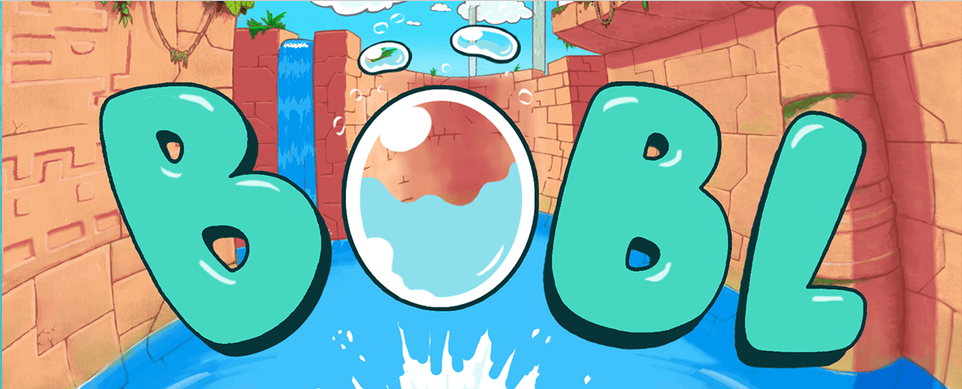
Böbl je metroidvania pro NES založená na fyzikálních principech a s vodní tematikou. Hraješ za bublinu – voda tě unáší, ale při dotyku s pevným blokem praskneš. Prozkoumejte propojený podvodní svět, sbírejte vylepšení, která odemykají nové pohyby, a najděte všech osm skrytých kachniček. Hru vytvořila společnost Morphcat Games pro soutěž NESdev Compo 2019.
Ovládací prvky
- Pohyb: Šipky (D-Pad)
- Potápění / skok: podržte tlačítko X (A), abyste se ponořili do vody, a poté ho uvolněte, abyste vyskočili nahoru
- Dvojitý skok: stiskněte klávesu Z (B) ve vzduchu (jakmile bude odemčena)
- Vylezte na vodopád: podržte tlačítko Z (B), když vycházíte z boku dlaždice s vodopádem
- Vrátit se na obrazovku s možnostmi: podržte klávesy Shift + X + Z (Select + A + B)
Bonusy
- Železný Böbl: rozbít rozbitelné bloky a jednou se odrazit od pevné dlaždice, aniž bys praskla.
- Dvojitý skok: druhý skok ve vzduchu, díky kterému můžete také šplhat po vodopádech.
Režimy
- Režim Zen: prozkoumejte hru bez úmrtí — ideální pro děti nebo pro kohokoli, komu se hra zdá příliš náročná.
- Ghost (časovka): Zaznamenejte si svůj nejlepší čas ve stylu Mario Kart. K tomu je zapotřebí podpora ukládání do paměti s kapacitou 32 KB zálohované baterií, kterou ne každý emulátor prohlížeče nabízí, takže nahrávání nemusí fungovat ve všech konfiguracích.
- Duck Randomizer: Každá kachna se schovává na jednom ze tří míst, a díky náhodnému pořadí se lov stává ještě zajímavějším.
Tipy
- Ve skutečnosti neskáčeš – ovládáš hloubku. Podrž tlačítko, abys klesl, uvolni ho, abys vystoupal, a využij vztlaku k proplutí mezerami.
- Pevné bloky znamenají okamžitou smrt, takže si dobře naplánujte, kudy se budete pohybovat po vodě; voda je vždy nejbezpečnější cesta.
- Prozkoumejte každé zákoutí — po celé mapě je schovaných osm kachniček a pokud je všechny najdete, čeká vás tajný konec.
O stránkách
Originální homebrew hra pro NES od Morphcat Games (kód a zvuk: miau a jul, grafika a návrh úrovní: Nicolas Betoux). Verze 1.2, tzv. “Frog Update”, přidává obrazovku s nastavením, časové zkoušky s duchy, náhodný výběr kachen, rolovací úseky a režim Zen. Hra byla vydána s cenou, kterou si určíte sami; společnost Morphcat své hry prodává i komerčně a plánuje se vydání fyzické kazety, proto si prosím před vlastním hostováním ROM ověřte povolení k rehostingu.
Ovládací prvky a informace o emulátoru
K ovládání hry použijte klávesnici. Výchozí přiřazení kláves:
- Směrové tlačítko: Šipky
- A / B: X / Z
- X / Y: S / A
- Začátek: Zadejte
- Vyberte: Změna
- L / R: Q / W
Ovládací prvky lze přemapovat v herním menu emulátoru. Gamepady jsou v moderních prohlížečích plně podporovány.