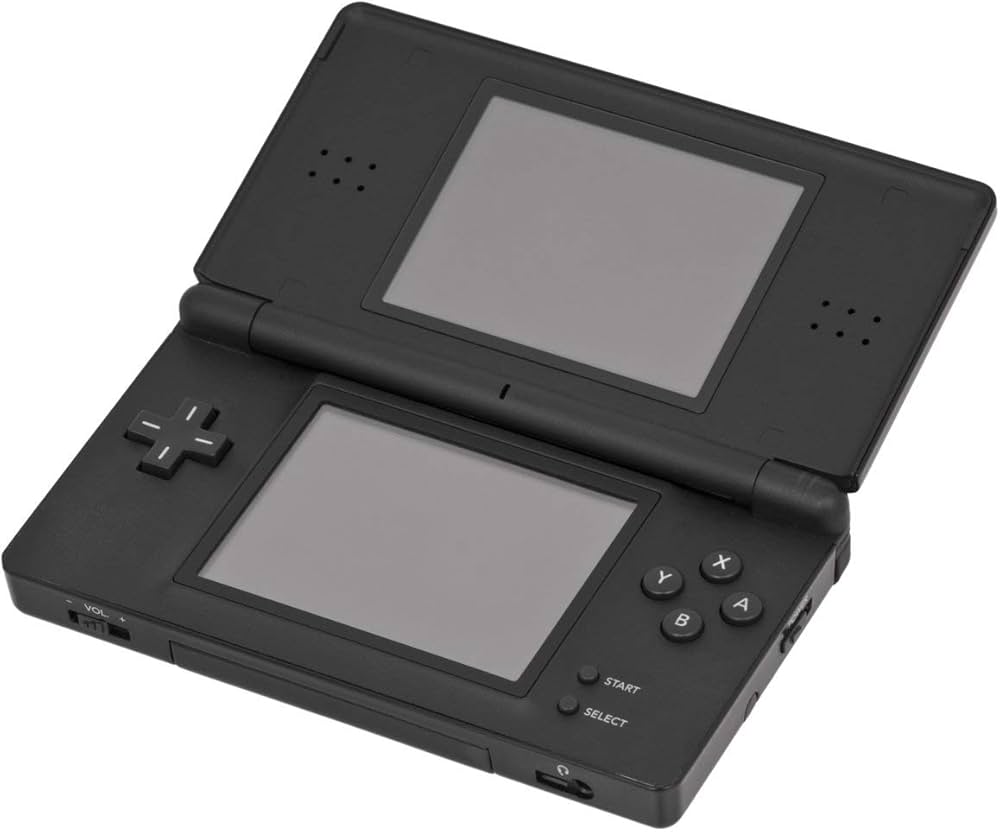
Nintendo DS Console

NDS (Nintendo DS)

Nintendo DS (NDS)

The best-selling handheld console of all time. Released in 2004, the Nintendo DS revolutionized gaming with its dual screens, touch interface, and built-in microphone, paving the way for modern mobile gaming while delivering some of the greatest Nintendo classics ever made. With Rec0m88, you can jugar a juegos retro from the massive DS library on your desktop, using your mouse for touch controls, customizable screen layouts, and seamless netplay.

Arquitectura de hardware

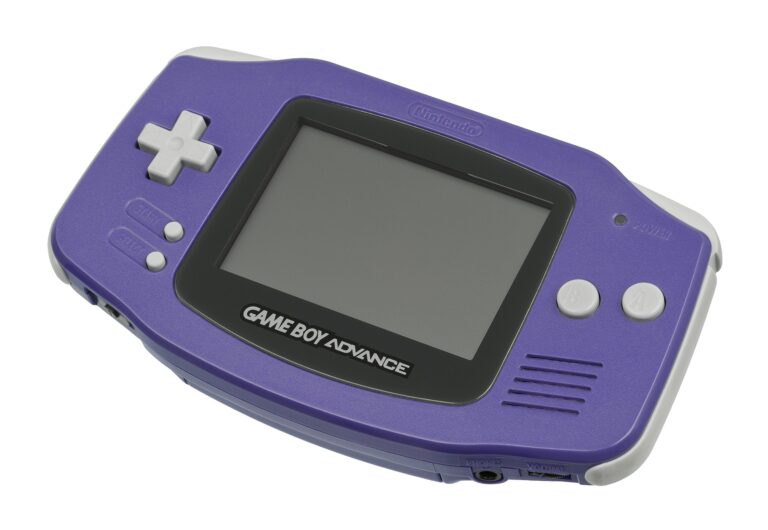
The “DS” stands for Dual Screen (or Developer’s System). The console is powered by two distinct processors: a 32-bit ARM946E-S @ 67 MHz handling 3D rendering and main gameplay logic, and a 32-bit ARM7TDMI @ 33 MHz processing 2D graphics, audio, and backward compatibility with the Game Boy Advance.

It features two 3-inch TFT LCD screens, each with a resolution of 256×192. The bottom screen is overlaid with a resistive touchscreen. It also introduced Wi-Fi to Nintendo handhelds, allowing for local wireless and global internet play out of the box.

  • CPUsARM946E-S (67 MHz) + ARM7TDMI (33 MHz)
  • DisplaysDual 256×192 (Lower Resistive Touch)
  • Formatos multimedia.nds (.zip/.7z supported)

Rec0m88 DS Emulation

Rec0m88 utilizes the incredibly fast and accurate MelonDS core via the EmulatorJS framework. MelonDS excels in 3D rendering accuracy, performance on lower-end devices, and complex Wi-Fi emulation.

BIOS / FIRMWARE REQUIREMENTS

While MelonDS features High-Level Emulation (HLE) that can boot many games without files, for maximum compatibility and boot screens, it is highly recommended to place bios7.bin, bios9.bin, y firmware.bin en el directorio «Rec0m88 bios».

You can interact with the touch screen directly using your mouse. Rec0m88 also allows you to dynamically change screen layouts—stacking them vertically, side-by-side, or enlarging one screen while minimizing the other.

A Touch of Genius

The Nintendo DS brought gaming to a massive new audience with intuitive touch controls, while simultaneously delivering some of the deepest RPGs and platformers ever crafted for core gamers.

The RPG Juggernaut

The DS is legendary for its JRPG library. It hosts arguably the best Pokémon games ever made (HeartGold / SoulSilver, Black / White), masterpieces like Chrono Trigger DS, and Square Enix marvels like The World Ends With You y Dragon Quest IX. It’s also the home of the Phoenix Wright: Ace Attorney y Professor Layton series.

Wireless Netplay

The original console heavily utilized local wireless. Rec0m88 translates this into internet netplay. You can trade Pokémon with your friends or hit the tracks in Mario Kart DS as if you were sitting in the same room.

Most Popular Nintendo DS Games

Pokémon HeartGold/SoulSilver
JRPG
Mario Kart DS
Carreras
Phoenix Wright: Ace Attorney
Visual Novel
Castlevania: Dawn of Sorrow
Metroidvania
Animal Crossing: Wild World
Simulation
The World Ends With You
Action RPG

How to Play Nintendo DS Games Online with Rec0m88

Dual screens and touch controls translate perfectly to your PC with a few simple clicks.

Paso 01
Descargar Rec0m88
Windows · macOS · Linux

Grab the free desktop client. It’s a lightweight GUI frontend that handles all the heavy MelonDS emulation locally on your machine.

Paso 02
Check Your BIOS
bios7/9 & firmware

While not strictly required for all games, placing the DS BIOS and firmware files into your Rec0m88 bios folder ensures maximum compatibility.

Paso 03
Load & Layout
.nds / .zip

Drag your .nds file into the app. Open the video settings to choose how you want the dual screens displayed (Vertical, Horizontal, or Single Screen Swap).

Paso 04
Juego en red como anfitrión
Crear y conectar

Open the netplay menu, add your name, click Create Room, and share the password (if used) with your friends to play Nintendo DS games together over the internet.

Nintendo DS Emulation FAQ

How do I use the touch screen?

Your computer mouse acts as the DS stylus. Simply click and drag on the bottom screen area of the emulator. If you are using a tablet or touch-enabled monitor, you can literally touch the screen just like the original hardware.

How do I arrange the two screens?

By default, the screens are stacked vertically just like the console. However, on widescreen PC monitors, you can go to Core Options > Screen Layout and change it to “Left/Right” or make one screen huge and the other one small in the corner.

What if a game requires blowing into the microphone?

Games like Zelda: Phantom Hourglass or Nintendogs require microphone input. In the Rec0m88 input settings, there is a dedicated “Microphone Noise” button you can map to your controller or keyboard. Pressing this simulates blowing into the mic.

Do I absolutely need the BIOS files?

MelonDS has a built-in High-Level Emulator (HLE) for the BIOS, meaning most games will boot just fine without providing any files. However, if a game crashes, or if you want to use the original DS boot menu and Wi-Fi features, the official bios7.bin, bios9.bin, y firmware.bin files are required.

¿Listo para jugar? Descargar Rec0m88 gratis and relive the dual-screen revolution today.
Publicaciones similares

  • Sega Game Gear

    Enciclopedia de consolas retro: Sega Game Gear. La consola portátil de 8 bits que introdujo el color y la pantalla retroiluminada en la guerra de las consolas portátiles. Lanzada en Japón en 1990 y en Norteamérica en 1991, la Sega Game Gear era una auténtica potencia en formato de bolsillo. Con Rec0m88, puedes jugar a juegos retro de la biblioteca de Game Gear en tu gran…

  • N64 (Nintendo 64)

    Enciclopedia de consolas retro: Nintendo 64 (N64) La consola que marcó el inicio de la revolución 3D. Lanzada en 1996, la Nintendo 64 fue pionera en los entornos 3D reales, introdujo el joystick analógico moderno e hizo del modo multijugador local para cuatro jugadores un estándar. Con Rec0m88, puedes jugar a juegos retro de la era de los 64 bits de forma nativa en tu computadora de escritorio, con escalado a alta resolución, …

  • SNES (Super Nintendo Entertainment System)

    Enciclopedia de consolas retro: Super Nintendo Entertainment System (SNES) La potente consola de 16 bits que marcó a toda una generación. Lanzada en Japón en 1990 y en Norteamérica en 1991, la Super Nintendo Entertainment System (SNES) ofreció gráficos innovadores, un sonido revolucionario y algunos de los mejores juegos jamás creados. Con Rec0m88 puedes jugar a juegos retro de la biblioteca de la SNES…

  • Sega Saturn

    Enciclopedia de consolas retro: Sega Saturn. El rey indiscutible de los gráficos 2D de 32 bits y el logro de hardware más complejo de Sega. Lanzada en 1994, la Sega Saturn ofreció juegos de lucha con la misma calidad que los de las máquinas recreativas, shooters revolucionarios y un catálogo japonés sin igual. Con Rec0m88, puedes jugar a juegos retro de la era Saturn de forma nativa en tu computadora de escritorio, dominando su legendaria arquitectura de doble CPU…

  • Sega Genesis (Mega Drive y Master System)

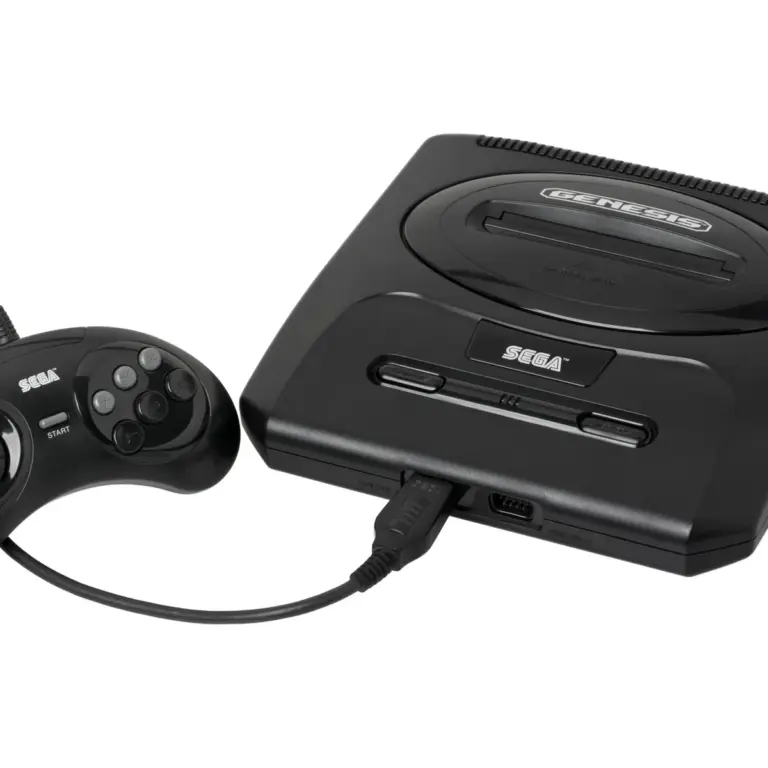
    Enciclopedia de consolas retro: Sega Genesis (Mega Drive) y Master System. Las consolas que llevaron la acción de los arcades al hogar. Desde los orígenes de 8 bits de la Master System hasta el “Blast Processing” de 16 bits de la Genesis (Mega Drive), Sega forjó un legado de juegos rápidos, innovadores e inolvidables. Con Rec0m88, puedes jugar a juegos retro de ambas…

  • TurboGrafx-16

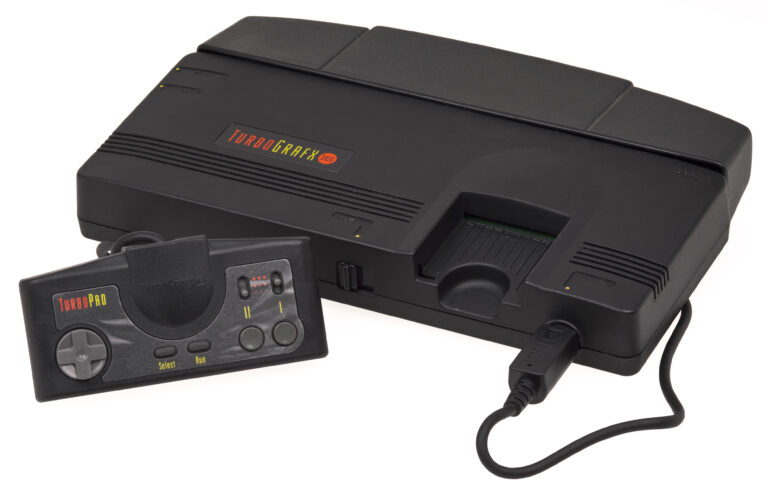
    Enciclopedia de consolas retro: TurboGrafx-16 (PC Engine) La potencia gráfica de 16 bits con un corazón de 8 bits. Lanzada en Japón en 1987 como PC Engine y en Norteamérica en 1989, la TurboGrafx-16 revolucionó el mundo de los videojuegos con sus elegantes HuCards y fue pionera en el formato CD-ROM. Con Rec0m88, puedes jugar a juegos retro tanto desde la consola estándar como desde el CD…

Deja un comentario

Tu dirección de correo electrónico no será publicada. Los campos obligatorios están marcados con *