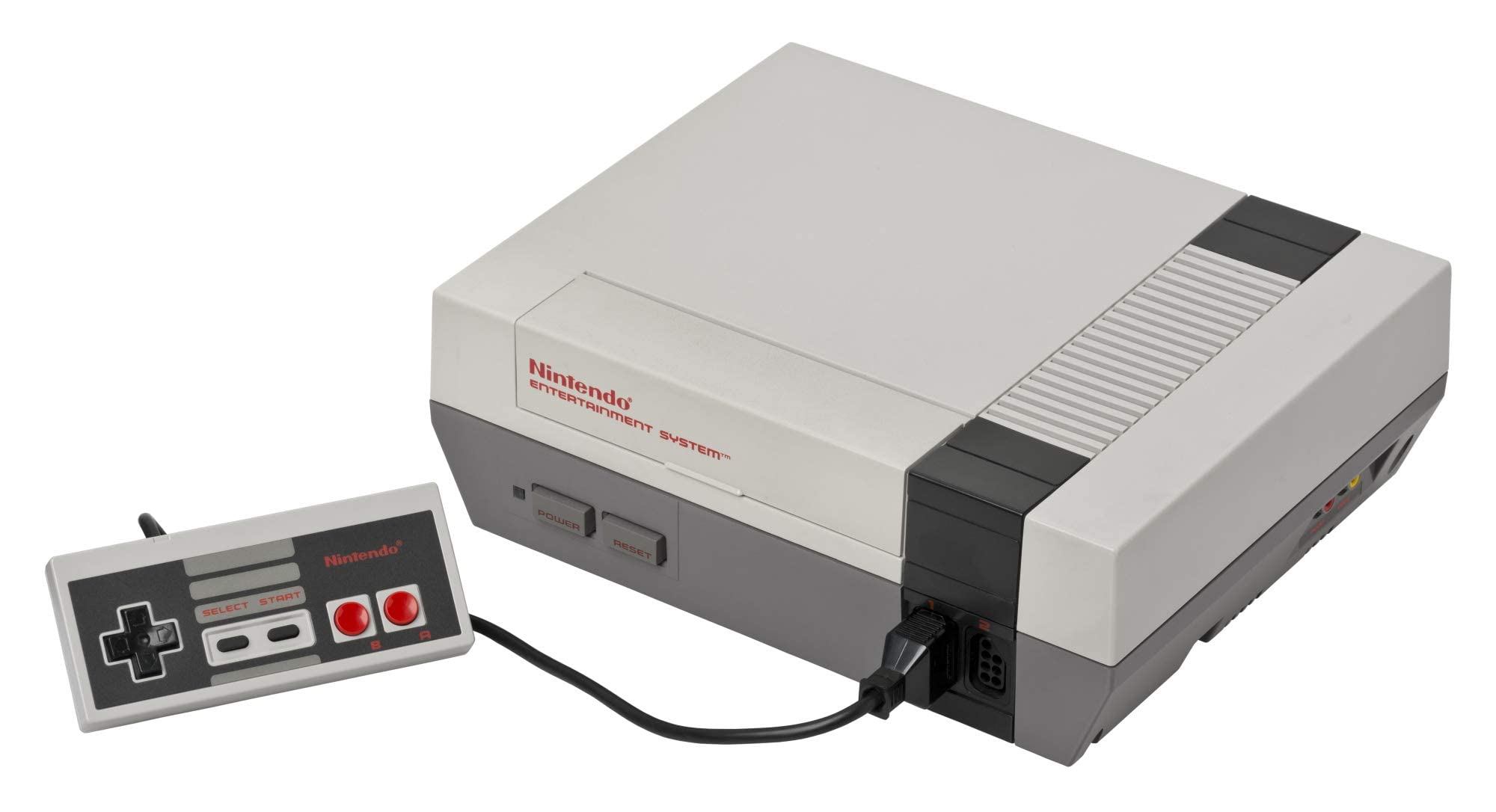
NES Console

NES (Nintendo Entertainment System)

Nintendo Entertainment System (NES)

The console that revived an industry. Explore the 8-bit architecture, legendary library, and technical nuances of the NES. With Rec0m88, you can Retro-Spiele spielen from the NES era with cycle-accurate emulation, CRT shader support, and seamless P2P netplay. No configuration. No latency. Just pure 8-bit nostalgia.

Hardware-Architektur

Launched as the Family Computer (Famicom) in Japan on July 15, 1983, and rebranded for North America on October 18, 1985, the NES is built around the 8-bit Ricoh 2A03 CPU (a modified MOS 6502) running at 1.79 MHz (NTSC). The system features 2 KB of onboard RAM and a dedicated Picture Processing Unit (PPU) capable of rendering 256×240 resolution with a 52-color palette from 64 available colors.

What truly defined the NES was its audio and expansion capabilities. The Audio Processing Unit (APU) provides five sound channels. The cartridge slot allowed for Mapper Chips (like MMC1, MMC3, and VRC6) inside the game carts themselves, expanding memory, enabling advanced scrolling effects, and adding extra audio channels.

  • CPURicoh 2A03 @ 1.79 MHz (NTSC)
  • GrafikenPPU, 256×240, 64 sprites on screen
  • Medienformate.nes .unf .fds (.zip/.7z supported)

Rec0m88 NES Emulation

Rec0m88 utilizes the EmulatorJS framework to deliver high-fidelity NES emulation. We default to the fceumm core for its exceptional balance of speed and compatibility, while offering the Nestopia core for users demanding cycle-accurate precision. Both cores support the full range of mapper chips, ensuring that even complex titles run flawlessly.

BIOS-ANFORDERUNGEN

Standard NES: Es ist kein BIOS erforderlich.
Famicom Disk System: Requires disksys.rom.
Game Genie: Requires gamegenie.nes (fceumm only). Rec0m88 has its own editable, built-in cheats that can be used.

When you Retro-Spiele spielen on Rec0m88, you benefit from modern enhancements without compromising authenticity. Features include instant save states, rewind functionality, fast-forward, CRT shaders, and customizable controller mapping.

Iconic Titles & Netplay Revolution

The NES library established genres that dominate gaming today. From tough-as-nails platformers to the dawn of console RPGs, it laid the foundation for modern interactive entertainment.

The Definitive 8-Bit Library

Platformers reached new heights with Super Mario Bros. und Super Mario Bros. 3, während The Legend of Zelda und Metroid pioneered non-linear exploration. RPGs found their console footing with Final Fantasy und Dragon Quest, and action shooters like Contra und Mega Man tested the reflexes of a generation. Whether you’re revisiting classics or discovering hidden gems, Rec0m88 ensures every title runs with pixel-perfect accuracy.

World-Class Netplay

Rec0m88 transforms the solitary experience of emulation into a social one. Our WebRTC-Netzwerk-Multiplayer allows you to play online with friends as if they were sitting next to you. Simply host a room, share the ID, and jump into co-op classics like Contra, Bubble Bobble, oder TMNT. Competitive titles like Tetris und Dr. Mario also shine with our low-latency architecture.

Most Popular NES Games

Super Mario Bros. 3
Platformer
The Legend of Zelda
Action-Abenteuer
Contra
Run & Gun / Co-Op
Mega Man 2
Action-Plattformspiel
Metroid
Action-Abenteuer
Punch-Out!!
Sports / Action

How to Play NES Games on Rec0m88

Rec0m88 offers a streamlined desktop experience for managing and playing your NES collection. Follow these steps to build your library and start gaming instantly.

Schritt 01
Rec0m88 herunterladen
Windows · macOS · Linux

Grab the free desktop client. It’s a lightweight GUI frontend that integrates EmulatorJS cores for instant emulation without browser overhead.

Schritt 02
Ordnen Sie Ihre Bibliothek
Metadaten · Verpackungsgestaltung

Use the free Game Library Organizer to scan your ROM folder. It fetches box art and metadata, exporting a clean Rec0m88 Catalog file.

Schritt 03
Lade dein ROM
.nes / .zip / .7z

Import your exported Catalog, or drag-and-drop individual files directly into the app window to launch instantly.

Schritt 04
Netplay starten
Host- und Share-ID

Map your controller, enable CRT shaders, and use the Netplay menu to host rooms and play multiplayer classics together.

NES Emulation FAQ

Do I need a BIOS file to play NES games?

No. Standard NES cartridge games do not require a BIOS file. However, if you want to play Famicom Disk System (FDS) titles, you must place a disksys.rom file in your BIOS directory. Rec0m88 will automatically detect it.

Why does a specific game have graphical glitches?

Some obscure titles use rare mapper chips that may behave differently across cores. If you encounter issues, try switching the emulation core in the settings. Nestopia offers higher accuracy for tricky mappers, while fceumm provides broader compatibility.

Can I play NES games online with friends?

Yes. Rec0m88 features built-in P2P rollback netplay. You can host a room and share the Room ID with a friend. Both players need the same ROM file. The connection is direct and low-latency, perfect for co-op and versus play.

What file formats are supported?

Rec0m88 supports .nes, .unif, .unf, and .fds formats. You can also load games compressed in .zip or .7z archives; the emulator will extract them automatically. Ensure your ROMs have correct headers for best compatibility.

Bereit zum Spielen? Rec0m88 kostenlos herunterladen and experience the 8-bit library in pixel-perfect accuracy today.
Ähnliche Beiträge

  • Panasonic 3DO

    Retro-Konsolen-Enzyklopädie: 3DO Interactive Multiplayer – Der ehrgeizige, teure 32-Bit-Pionier der CD-ROM-Ära. Die 1993 auf den Markt gebrachte 3DO versprach eine Multimedia-Revolution und brachte kristallklares Full-Motion-Video (FMV) sowie hochmoderne 3D-Grafiken ins Wohnzimmer. Mit Rec0m88 können Sie Retro-Spiele aus der legendären 3DO-Bibliothek direkt auf Ihrem Desktop spielen, komplett…

  • C64 (Commodore 64)

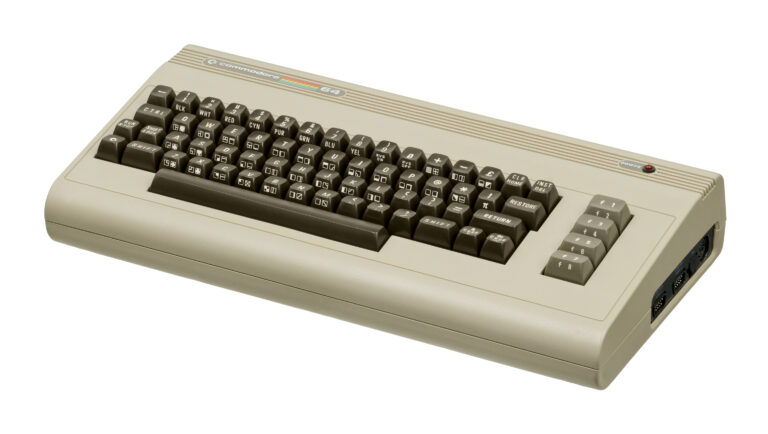
    Retro-Konsolen-Enzyklopädie: Commodore 64 (C64) Das meistverkaufte Einzelmodell eines Computers aller Zeiten. Der 1982 auf den Markt gebrachte Commodore 64 brachte erschwingliche Computertechnik und unglaubliche Spiele in Millionen von Wohnzimmern. Mit Rec0m88 kannst du Retro-Spiele aus dem goldenen Zeitalter der Mikrocomputer mühelos spielen und komplexe Tastaturbefehle dank optimierter Emulation, virtueller Joysticks und … umgehen.

  • Sega Saturn

    Retro-Konsolen-Enzyklopädie: Sega Saturn – Der unangefochtene König der 32-Bit-2D-Grafik und Segas komplexeste Hardware-Leistung. Der 1994 erschienene Sega Saturn bot Kampfspiele in Arcade-Qualität, bahnbrechende Shooter und ein unvergleichliches japanisches Spielangebot. Mit Rec0m88 kannst du Retro-Spiele aus der Saturn-Ära nativ auf deinem Desktop spielen und so die legendäre Dual-CPU-Architektur meistern…

  • Sega Game Gear

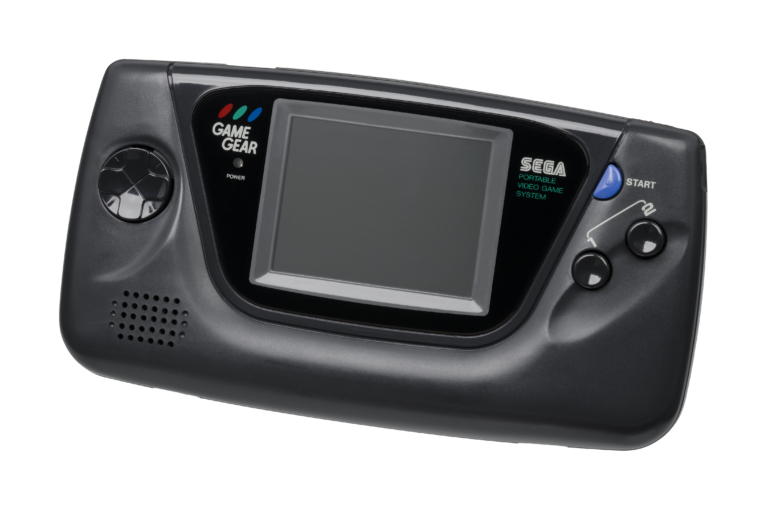
    Retro-Konsolen-Enzyklopädie: Sega Game Gear – Die 8-Bit-Handheld-Konsole, die den Kampf um die tragbaren Konsolen mit Vollfarbdisplay und hintergrundbeleuchtetem Bildschirm bereicherte. Das Sega Game Gear kam 1990 in Japan und 1991 in Nordamerika auf den Markt und war ein Kraftpaket im Taschenformat. Mit Rec0m88 kannst du Retro-Spiele aus der Game-Gear-Bibliothek auf deinem großen …

  • Wonderswan

    Retro-Konsolen-Enzyklopädie: Bandai WonderSwan – Das letzte Hardware-Meisterwerk von Gunpei Yokoi, dem Schöpfer des Game Boy. Der WonderSwan, der 1999 exklusiv in Japan auf den Markt kam (gefolgt von den Modellen „Color“ und „Crystal“), stellte Nintendo mit seinem einzigartigen Design, das das Spielen sowohl im Quer- als auch im Hochformat ermöglichte, vor eine Herausforderung. Mit Rec0m88 kannst du Retro-Spiele von dieser Konsole spielen…

  • TurboGrafx-16

    Enzyklopädie der Retro-Konsolen: TurboGrafx-16 (PC Engine) – Das 16-Bit-Grafik-Kraftpaket mit einem 8-Bit-Herzen. Die TurboGrafx-16, die 1987 in Japan als PC Engine und 1989 in Nordamerika auf den Markt kam, revolutionierte das Gaming mit ihren eleganten HuCards und leistete Pionierarbeit beim CD-ROM-Format. Mit Rec0m88 kannst du Retro-Spiele sowohl von der Standard- als auch von der CD-Version spielen…

Schreibe einen Kommentar

Deine E-Mail-Adresse wird nicht veröffentlicht. Erforderliche Felder sind mit * markiert