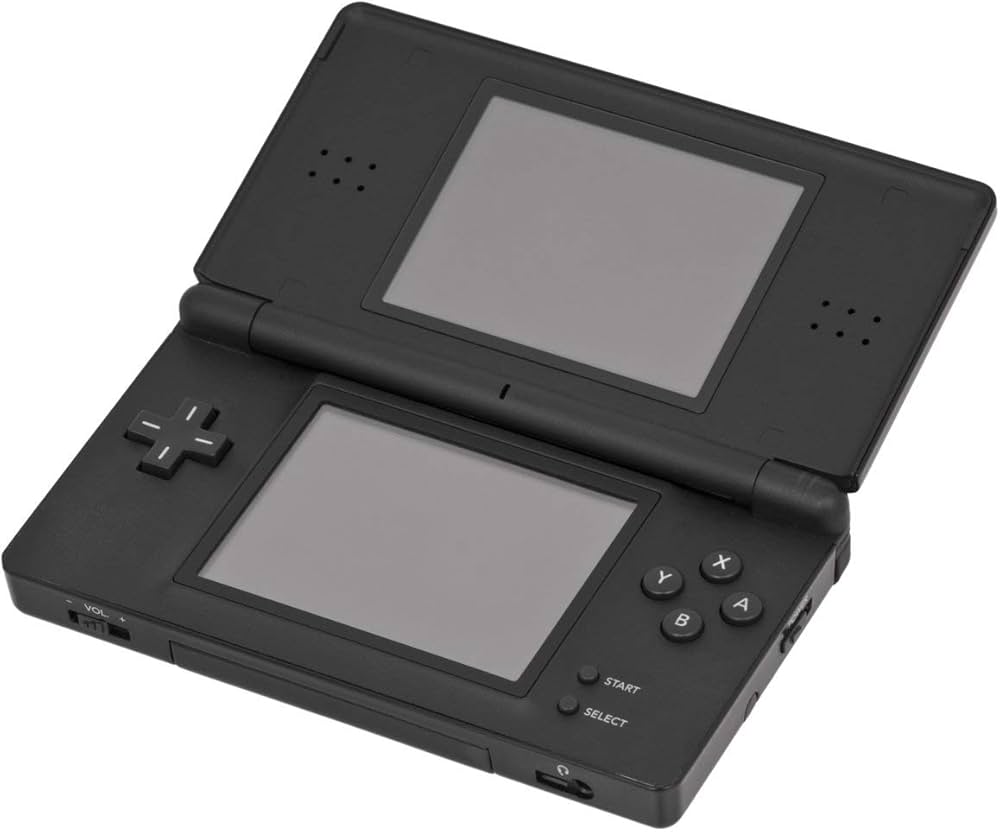
Nintendo DS Console

NDS (Nintendo DS)

Nintendo DS (NDS)

The best-selling handheld console of all time. Released in 2004, the Nintendo DS revolutionized gaming with its dual screens, touch interface, and built-in microphone, paving the way for modern mobile gaming while delivering some of the greatest Nintendo classics ever made. With Rec0m88, you can hrát retro hry from the massive DS library on your desktop, using your mouse for touch controls, customizable screen layouts, and seamless netplay.

Hardwarová architektura

The “DS” stands for Dual Screen (or Developer’s System). The console is powered by two distinct processors: a 32-bit ARM946E-S @ 67 MHz handling 3D rendering and main gameplay logic, and a 32-bit ARM7TDMI @ 33 MHz processing 2D graphics, audio, and backward compatibility with the Game Boy Advance.

It features two 3-inch TFT LCD screens, each with a resolution of 256×192. The bottom screen is overlaid with a resistive touchscreen. It also introduced Wi-Fi to Nintendo handhelds, allowing for local wireless and global internet play out of the box.

  • ▸
    CPUsARM946E-S (67 MHz) + ARM7TDMI (33 MHz)
  • ▸
    DisplaysDual 256×192 (Lower Resistive Touch)
  • ▸
    Formáty médií.nds (.zip/.7z supported)

Rec0m88 DS Emulation

Rec0m88 utilizes the incredibly fast and accurate MelonDS core via the EmulatorJS framework. MelonDS excels in 3D rendering accuracy, performance on lower-end devices, and complex Wi-Fi emulation.

BIOS / FIRMWARE REQUIREMENTS

While MelonDS features High-Level Emulation (HLE) that can boot many games without files, for maximum compatibility and boot screens, it is highly recommended to place bios7.bin, bios9.bin, a firmware.bin into your Rec0m88 bios directory.

You can interact with the touch screen directly using your mouse. Rec0m88 also allows you to dynamically change screen layouts—stacking them vertically, side-by-side, or enlarging one screen while minimizing the other.

A Touch of Genius

The Nintendo DS brought gaming to a massive new audience with intuitive touch controls, while simultaneously delivering some of the deepest RPGs and platformers ever crafted for core gamers.

The RPG Juggernaut

The DS is legendary for its JRPG library. It hosts arguably the best Pokémon games ever made (HeartGold / SoulSilver, Black / White), masterpieces like Chrono Trigger DS, and Square Enix marvels like The World Ends With You a Dragon Quest IX. It’s also the home of the Phoenix Wright: Ace Attorney a Professor Layton series.

Wireless Netplay

The original console heavily utilized local wireless. Rec0m88 translates this into internet netplay. You can trade Pokémon with your friends or hit the tracks in Mario Kart DS as if you were sitting in the same room.

Most Popular Nintendo DS Games

Pokémon HeartGold/SoulSilver
JRPG
Mario Kart DS
Závody
Phoenix Wright: Ace Attorney
Visual Novel
Castlevania: Dawn of Sorrow
Metroidvania
Animal Crossing: Wild World
Simulation
The World Ends With You
Action RPG

How to Play Nintendo DS Games Online with Rec0m88

Dual screens and touch controls translate perfectly to your PC with a few simple clicks.

Krok 01
Stáhnout Rec0m88
Windows · macOS · Linux

Grab the free desktop client. It’s a lightweight GUI frontend that handles all the heavy MelonDS emulation locally on your machine.

Krok 02
Check Your BIOS
bios7/9 & firmware

While not strictly required for all games, placing the DS BIOS and firmware files into your Rec0m88 bios folder ensures maximum compatibility.

Krok 03
Load & Layout
.nds / .zip

Drag your .nds file into the app. Open the video settings to choose how you want the dual screens displayed (Vertical, Horizontal, or Single Screen Swap).

Krok 04
Hostit síťovou hru
Create & Connect

Open the netplay menu, add your name, click Create Room, and share the password (if used) with your friends to play Nintendo DS games together over the internet.

Nintendo DS Emulation FAQ

How do I use the touch screen?

Your computer mouse acts as the DS stylus. Simply click and drag on the bottom screen area of the emulator. If you are using a tablet or touch-enabled monitor, you can literally touch the screen just like the original hardware.

How do I arrange the two screens?

By default, the screens are stacked vertically just like the console. However, on widescreen PC monitors, you can go to Core Options > Screen Layout and change it to “Left/Right” or make one screen huge and the other one small in the corner.

What if a game requires blowing into the microphone?

Games like Zelda: Phantom Hourglass or Nintendogs require microphone input. In the Rec0m88 input settings, there is a dedicated “Microphone Noise” button you can map to your controller or keyboard. Pressing this simulates blowing into the mic.

Do I absolutely need the BIOS files?

MelonDS has a built-in High-Level Emulator (HLE) for the BIOS, meaning most games will boot just fine without providing any files. However, if a game crashes, or if you want to use the original DS boot menu and Wi-Fi features, the official bios7.bin, bios9.bin, a firmware.bin files are required.

Jsi připravený hrát? Stáhněte si Rec0m88 zdarma and relive the dual-screen revolution today.
Podobné příspěvky

  • MAME (Multiple Arcade Machine Emulator)

    Encyklopedie retro konzolí MAME & Arcade Nejdokonalejší projekt na zachování. MAME (Multiple Arcade Machine Emulator) přináší zlatý věk mincovních automatů přímo na vaši obrazovku. Od neonově osvětlených 80. let až po boom soutěžních bojových her v 90. letech představoval arkádový hardware vždy špičku herní techniky. S Rec0m88 si můžete zahrát retro...

  • Panasonic 3DO

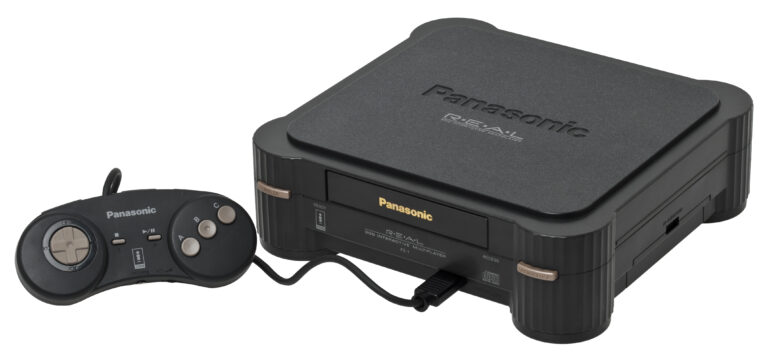
    Retro encyklopedie konzolí 3DO Interaktivní multiplayer Ambiciózní a drahý 32bitový průkopník éry CD-ROM. 3DO, vydaný v roce 1993, sliboval multimediální revoluci a přinesl do obývacího pokoje křišťálově čisté video v plném pohybu (FMV) a špičkovou 3D grafiku. S Rec0m88 si můžete zahrát retro hry z legendární knihovny 3DO přímo na stolním počítači, doplněné...

  • Sega Saturn

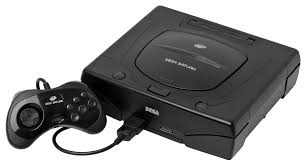
    Encyklopedie retro konzolí: Sega Saturn – Nesporný král 32bitové 2D grafiky a nejsložitější hardwarový počin společnosti Sega. Konzole Sega Saturn, uvedená na trh v roce 1994, přinesla bojové hry v kvalitě rovnocenné arkádovým verzím, průkopnické střílečky a bezkonkurenční nabídku japonských her. Díky Rec0m88 můžete hrát retro hry z éry Saturnu přímo na svém počítači a zvládnout tak její legendární architekturu se dvěma procesory…

  • TurboGrafx-16

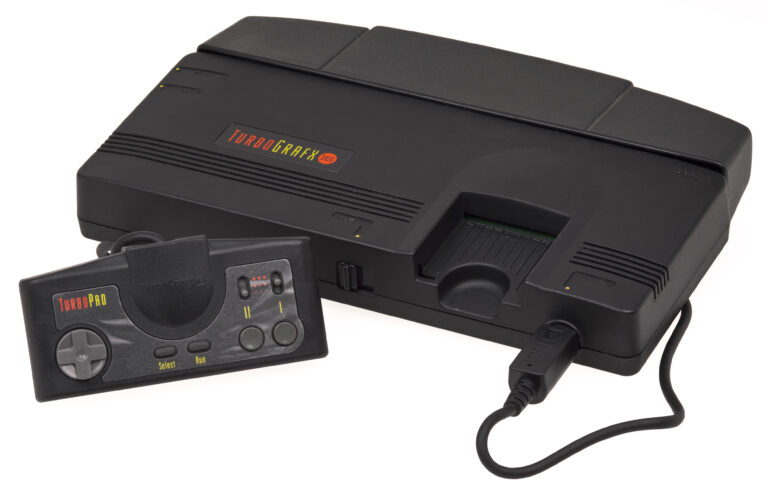
    Encyklopedie retro konzolí: TurboGrafx-16 (PC Engine) 16bitový grafický gigant s 8bitovým srdcem. TurboGrafx-16, který byl v Japonsku uveden na trh v roce 1987 pod názvem PC Engine a v Severní Americe v roce 1989, revolučním způsobem změnil svět her díky svým elegantním kartám HuCard a stal se průkopníkem formátu CD-ROM. S Rec0m88 můžete hrát retro hry jak ze standardních karet, tak z CD…

  • C64 (Commodore 64)

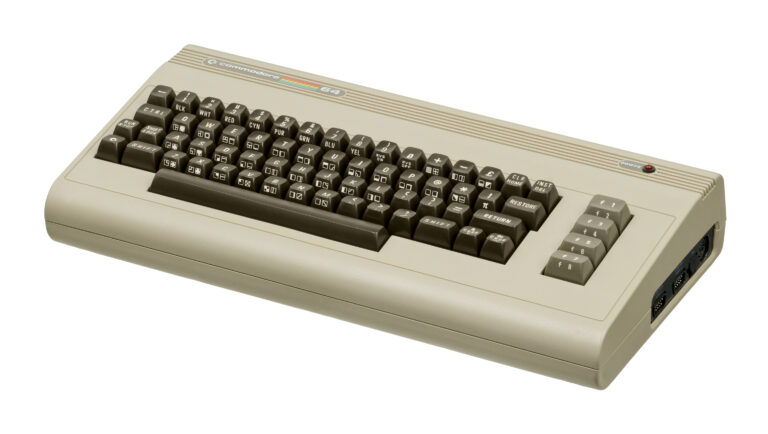
    Encyklopedie retro konzolí Commodore 64 (C64) Nejprodávanější model počítače všech dob. Commodore 64, uvedený na trh v roce 1982, přinesl cenově dostupné počítače a úžasné hry do milionů obývacích pokojů. Díky Rec0m88 můžete bez námahy hrát retro hry ze zlaté éry mikropočítačů, aniž byste museli zadávat složité klávesové příkazy – vše díky optimalizované emulaci, virtuálním joystickům a…

  • Sega Genesis (Mega Drive a Master System)

    Encyklopedie retro konzolí: Sega Genesis (Mega Drive) a Master System – Konzole, které přinesly arkádovou akci do domácností. Od 8bitových počátků Master Systemu až po 16bitový “Blast Processing” konzole Genesis (Mega Drive) vybudovala společnost Sega tradici rychlých, dynamických a nezapomenutelných her. S aplikací Rec0m88 můžete hrát retro hry z obou…

Napsat komentář

Vaše e-mailová adresa nebude zveřejněna. Vyžadované informace jsou označeny *